
A6 label size and 4x6 label size are close enough to confuse sellers, but they are not the same shape. That small difference can decide whether your shipping label prints cleanly, clips a barcode or slowly drifts out of alignment over a batch.
The safest way to choose is not by memory. Match three things: the PDF page size, the printer paper preset and the physical label stock loaded in the thermal printer.
This guide is for ecommerce sellers working with shipping-label PDFs from workflows such as MyPost Business, Australia Post, Royal Mail, USPS, eBay, Etsy, Shopify and similar tools. LabelChop helps with compatible PDFs from those workflows after the file exists, but it is not an official carrier or marketplace integration.
In this article:
- The quick answer
- A6 vs 4x6 vs 100x150mm dimensions
- When A6 is the right setting
- When 4x6 or 100x150mm is safer
- Do not use A6 to fix an A4 PDF
- Thermal printer settings checklist
- MyPost Business and A6-safe wording
- When to automate the PDF workflow
- Related label size tools
The quick answer
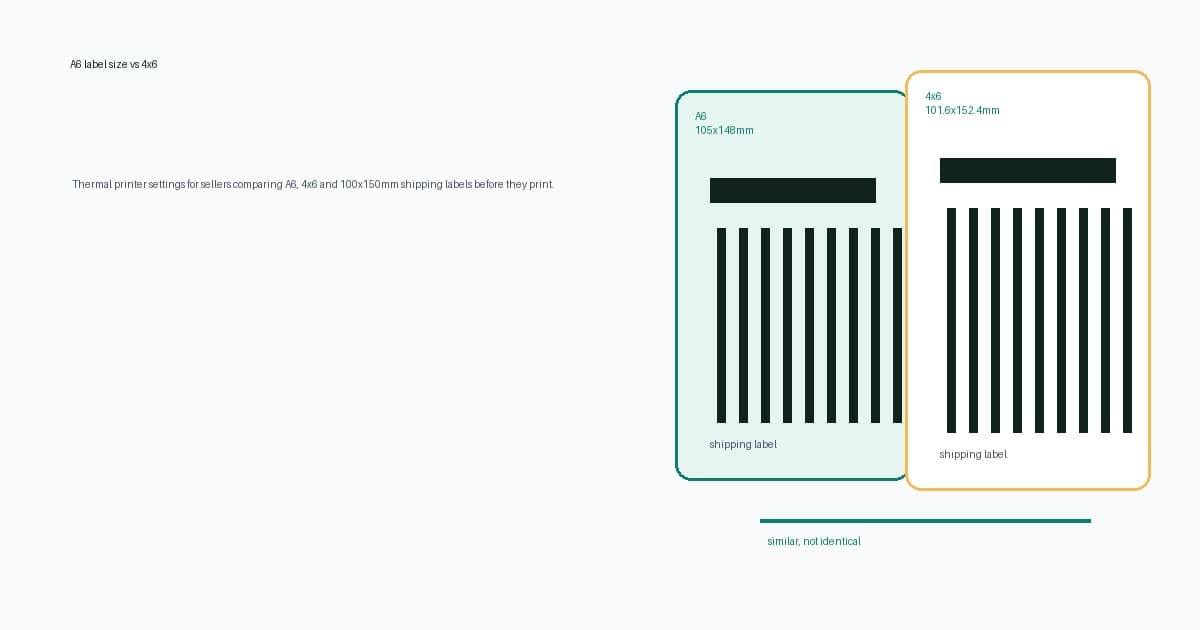
A6 is 105x148mm. A 4x6 inch shipping label is 101.6x152.4mm. A 100x150mm shipping label is the common metric stock used by many thermal-printer sellers.
They are similar. They are not interchangeable in every workflow.
Use the label setting that matches the file and stock you actually have.
| What you have | Best setting | Why | |---|---|---| | A6 PDF and A6 labels | A6 | PDF and stock match | | 4x6 PDF and 4x6 labels | 4x6 inches | Output should print at actual size | | 4x6 PDF and 100x150mm stock | 100x150mm or closest 4x6 preset | Common practical match for metric stock | | A4 or Letter PDF with a label inside | Crop or convert first | A6 will not extract the label area | | Unknown PDF size | Check before printing | Avoid changing printer settings blindly |
If you are not sure what size the file is, use the shipping label size checker before you print. If you only need a size conversion table, use the shipping label size converter.
A6 vs 4x6 vs 100x150mm dimensions
The size gap looks small on paper, but thermal labels are unforgiving because the barcode needs clean margins.
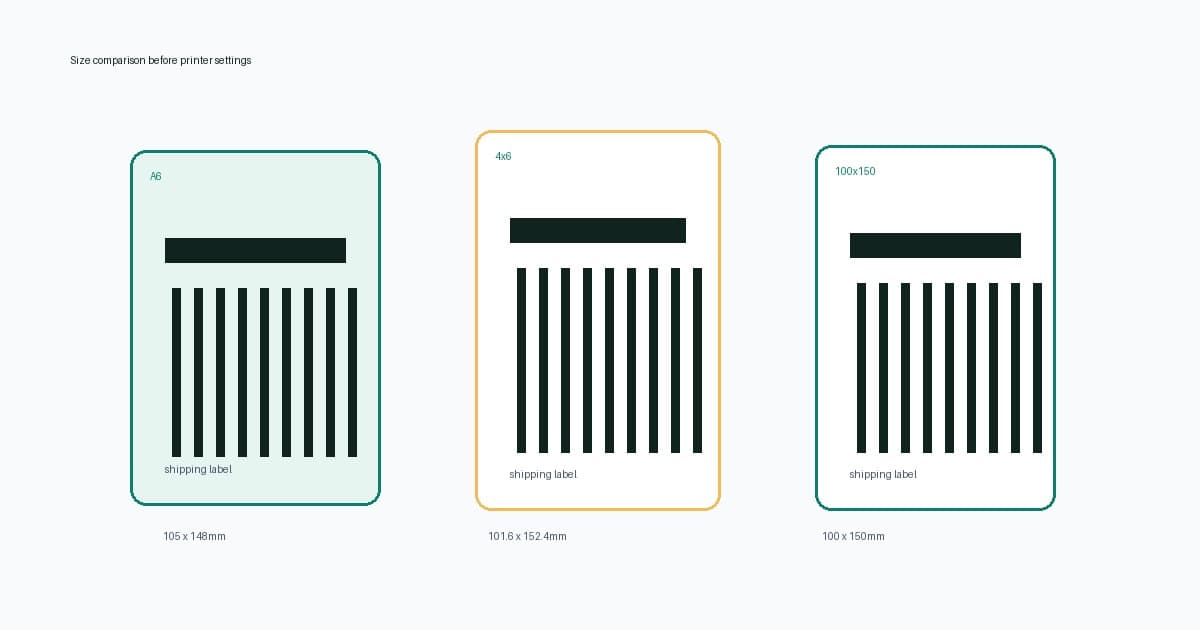
| Label format | Dimensions | Practical use | |---|---:|---| | A6 | 105x148mm | One-label-per-page workflows where the PDF and stock are genuinely A6 | | 4x6 inch | 101.6x152.4mm | Common thermal shipping label size, especially in US-style workflows | | 100x150mm | 100x150mm | Common metric thermal stock in Australia, the UK and Europe | | A4 | 210x297mm | Office paper, or a source PDF that needs cropping before thermal printing | | Letter | 8.5x11 inches | Office paper, or a source PDF that needs conversion before thermal printing |
A6 is wider and shorter than 4x6. A 4x6 label is narrower and taller. A 100x150mm label is close to 4x6, but slightly smaller in both directions.
That means a driver preset can change the way the PDF maps to the stock. It can shift the barcode closer to an edge, add unexpected white space or clip details if the printer also has non-printable margins.
For a deeper 4x6 setup walkthrough, read the 4x6 shipping labels print settings guide. If your question is whether a smaller label is acceptable, read can shipping labels be smaller than 4x6.
When A6 is the right setting
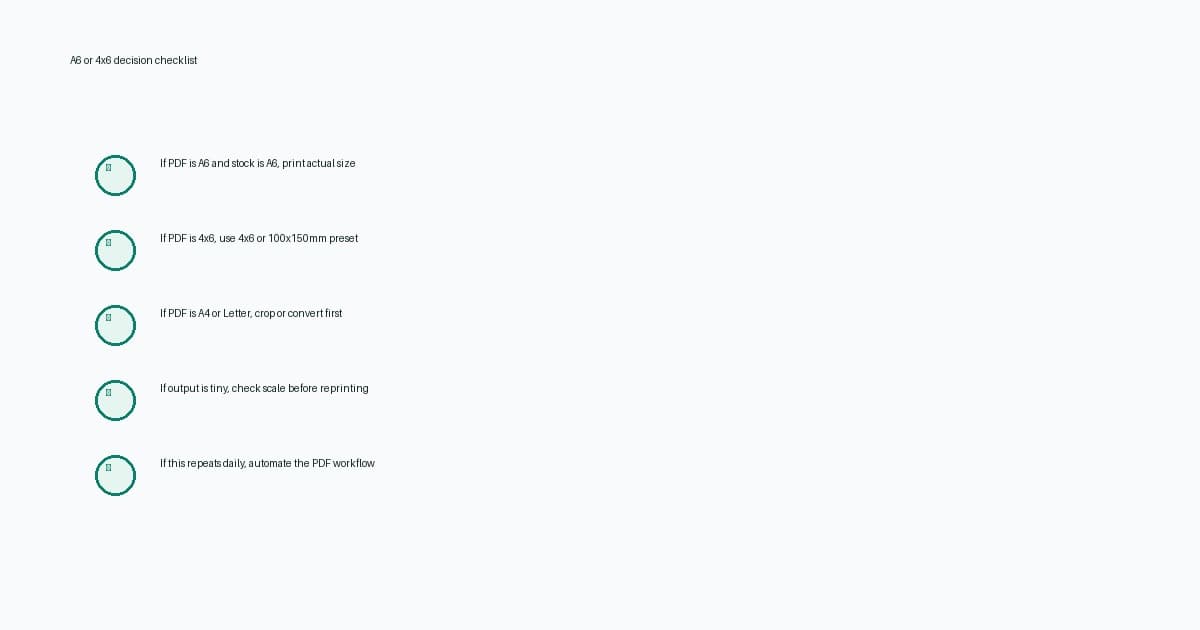
Use A6 when the PDF is A6 and the label stock is A6.
That sounds obvious, but it prevents a lot of troubleshooting. If a carrier, marketplace or shipping tool gives you a one-label-per-page A6 PDF and you have A6-compatible stock or a printer preset that matches it, print at actual size or 100 percent scale.
A6 can be valid when:
- The platform explicitly generated an A6 label.
- The PDF page size is close to 105x148mm.
- Your printer driver has a real A6 preset.
- The physical stock matches the A6 output.
- The preview shows one full label with no office-paper page around it.
Do not pick A6 only because the 4x6 output looks wrong. If the source file is A4 or Letter, the page-size mismatch still exists. You may only be asking the driver to squeeze a large page into a different small shape.
When 4x6 or 100x150mm is safer
For most ecommerce thermal printers, 4x6 inches or 100x150mm is the safer default because it matches common shipping-label stock and many carrier or marketplace PDF exports.
Use 4x6 or 100x150mm when:
- Your PDF page is already 4x6 or close to it.
- Your label roll is sold as 4x6, 100x150mm, 101x152mm or 102x152mm.
- Your printer is a common 4 inch thermal printer such as Dymo 4XL, Zebra desktop models, Brother QL-1100 class printers, Rollo, MUNBYN or similar.
- Your shipping workflow expects a standard parcel label rather than an A6 page.
The physical label, printer preset and PDF should all describe the same shape. If the printer says 100x150mm but the PDF is A4, the label can still print tiny. If the PDF is 4x6 but the driver is stuck on A6, the label can shift or clip.
If you are testing a printer before using live postage, use the thermal printer test label PDF or the sample 4x6 shipping label PDF guide.
Do not use A6 to fix an A4 PDF
A6 is a label size. It is not a crop tool.
If you have an A4 or Letter PDF with the shipping label sitting inside the page, switching the printer driver to A6 does not reliably extract the label area. The print dialog may shrink, clip, rotate or centre the whole office-paper page.
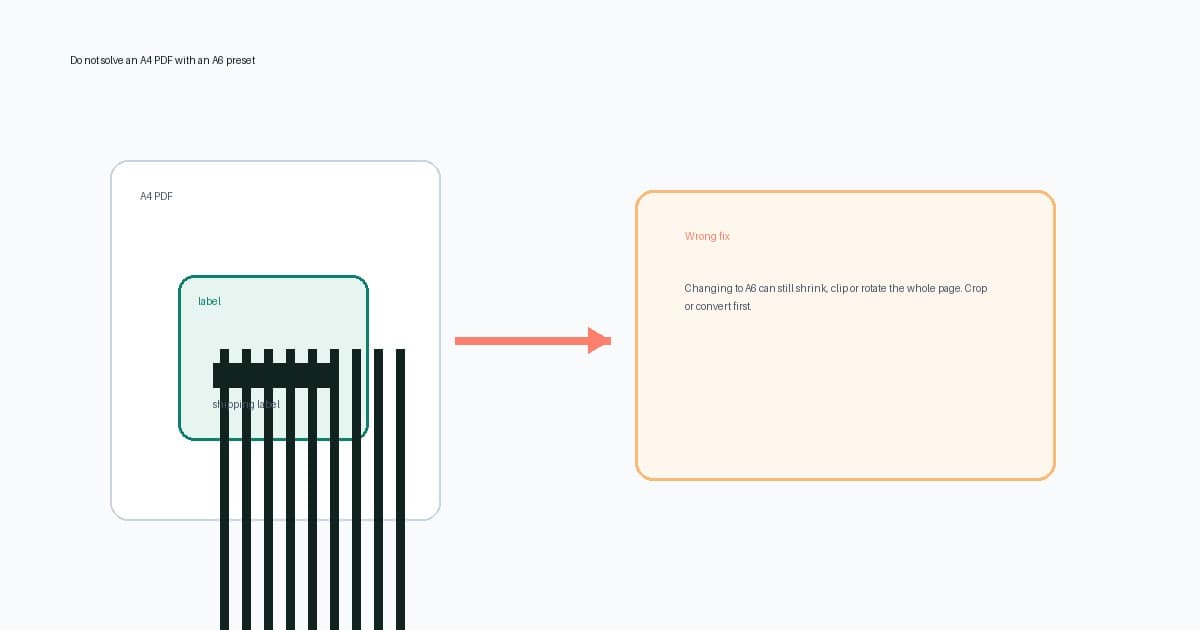
The correct workflow is:
- Check the PDF page size.
- If it is A4 or Letter, crop or convert the label area first.
- Create a new label-sized PDF.
- Set the printer paper size to match the output and stock.
- Print at actual size or 100 percent.
For a one-off A4 or Letter file, use the A4 to 4x6 shipping label converter. If you are comparing crop, resize and screenshot workflows, read how to crop a shipping label PDF to 4x6.
Thermal printer settings checklist
Once you know whether the file is A6, 4x6, 100x150mm, A4 or Letter, check the print stack from top to bottom.
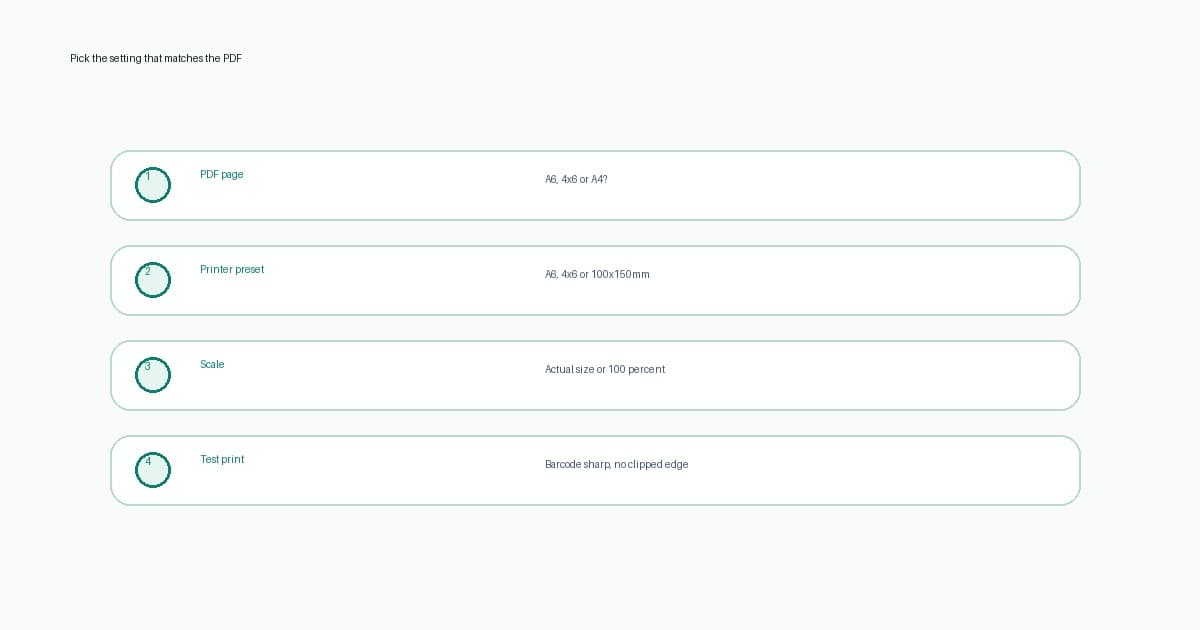
| Check | Good setting | Risky setting | |---|---|---| | PDF page size | A6, 4x6 or converted to label size | A4 or Letter sent straight to thermal printer | | Paper preset | Matches the physical stock | Old A4, Letter, address-label or A6 preset | | Scale | Actual size or 100 percent | Fit to page, shrink oversized pages, custom guess | | Orientation | Matches preview and feed direction | Portrait or landscape chosen from name alone | | Calibration | Printer feeds one label at a time | Drift after the first label | | Barcode quality | Sharp, dark and complete | Fuzzy screenshot, clipped edge or compressed bars |
Use the 4x6 shipping label settings checker if you want an interactive pre-print checklist. If the print is already tiny, use the shipping label printing too small guide.
MyPost Business and A6-safe wording
Do not assume Australia Post or MyPost Business can only give you A4 labels. Many domestic MyPost Business workflows can use A6 or one-label-per-page output when settings and account flow support it.
The LabelChop use case is the messy real-world gap:
- You already downloaded an A4 PDF.
- A marketplace or carrier export uses a different page shape.
- An international, return or older workflow gives awkward output.
- Staff are still opening PDFs, changing presets and reprinting test labels.
- You want crop-and-print automation instead of daily print-dialog work.
That is why the right question is not only A6 or 4x6. The better question is: does the PDF you have match the stock in the printer?
When to automate the PDF workflow
If the PDF and stock match, save the printer preset and move on.
If the same mismatch keeps coming back, you have a workflow problem. The repeated steps are the cost: open file, inspect size, crop or convert, set paper size, print one test, fix scale, repeat tomorrow.
LabelChop watches a folder, detects compatible shipping-label PDFs, crops or resizes awkward pages into 4x6 or 100x150mm output, then prints or saves the cleaned file for your thermal-printer workflow.
Use automation when:
- A4 or Letter PDFs keep arriving even after you know the right label size.
- One platform gives A6 and another gives 4x6.
- Staff keep changing printer presets between office documents and labels.
- You need the crop-and-print step handled after download.
- You ship often enough that manual conversion interrupts packing.
For repeated label work, compare the time cost with LabelChop pricing and the watch folder automatic label printing guide.
Related label size tools
Use these next depending on what you need to check.
- Shipping label size converter, for converting A6, 4x6, 100x150mm, A4 and pixels.
- Shipping label size checker, for checking the page size of an uploaded PDF.
- 4x6 shipping label settings checker, for checking scale, preset and barcode risk before printing.
- A4 to 4x6 shipping label converter, for one-off office-paper PDFs that need thermal-printer output.
- Can shipping labels be smaller than 4x6, for carrier-size expectations and tiny-label checks.
A6, 4x6 and 100x150mm labels are close enough to mix up, but the fix is concrete. Check the PDF page, choose the matching printer preset, print at 100 percent, and convert the file before printing if it is still A4 or Letter.