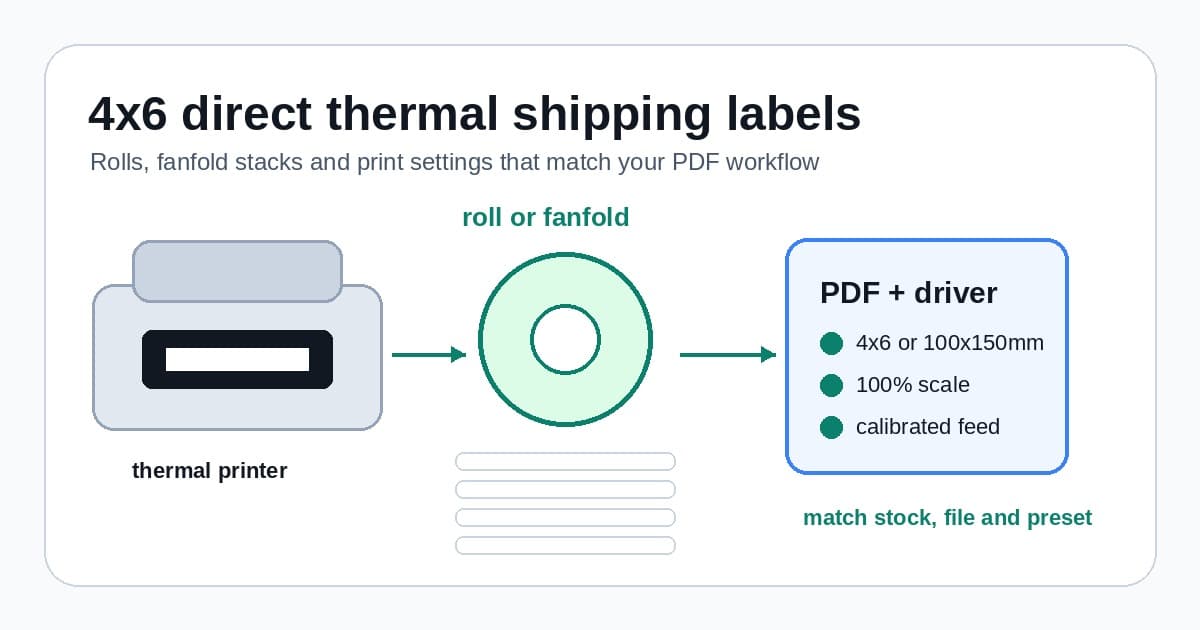
Choose 4x6 direct thermal shipping labels, roll or fanfold stock, printer settings and PDF checks without wasting labels.
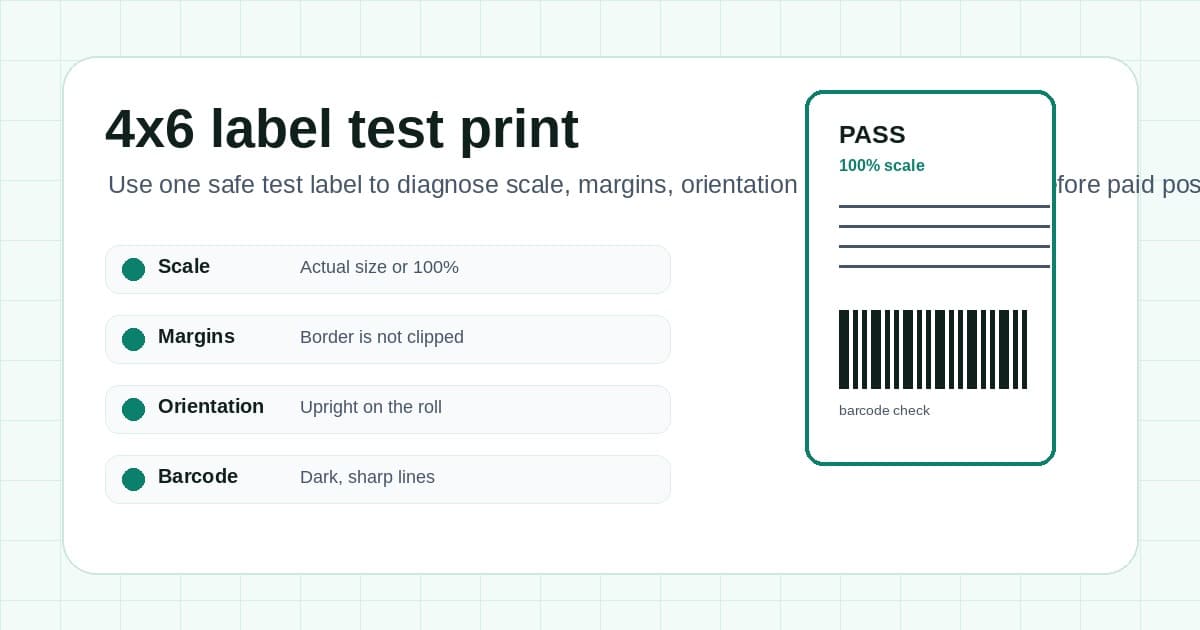
Run a safe 4x6 label test print, read the result and fix scale, margins, orientation or barcode issues before paid postage.
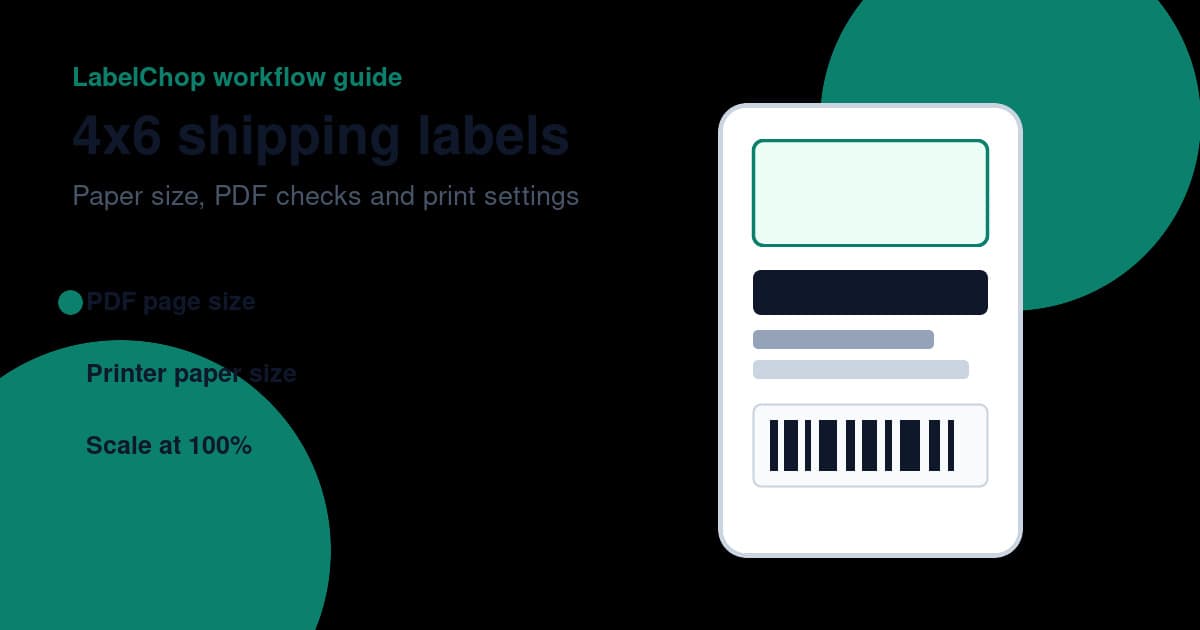
Set 4x6 paper size and 100% scale, check the PDF page, and use the free A4-to-4x6 converter when your shipping label needs cropping.
![Cover Image for 4x6 thermal labels Australia: 7 checks before you buy [2026]](/_next/image?url=%2Fassets%2Fimages%2Fposts%2F4x6-thermal-labels-australia-guide-hero.jpg&w=3840&q=75)
Buy 4x6 thermal labels in Australia without printer jams, A6 mixups or MyPost Business A4 PDF scaling problems.
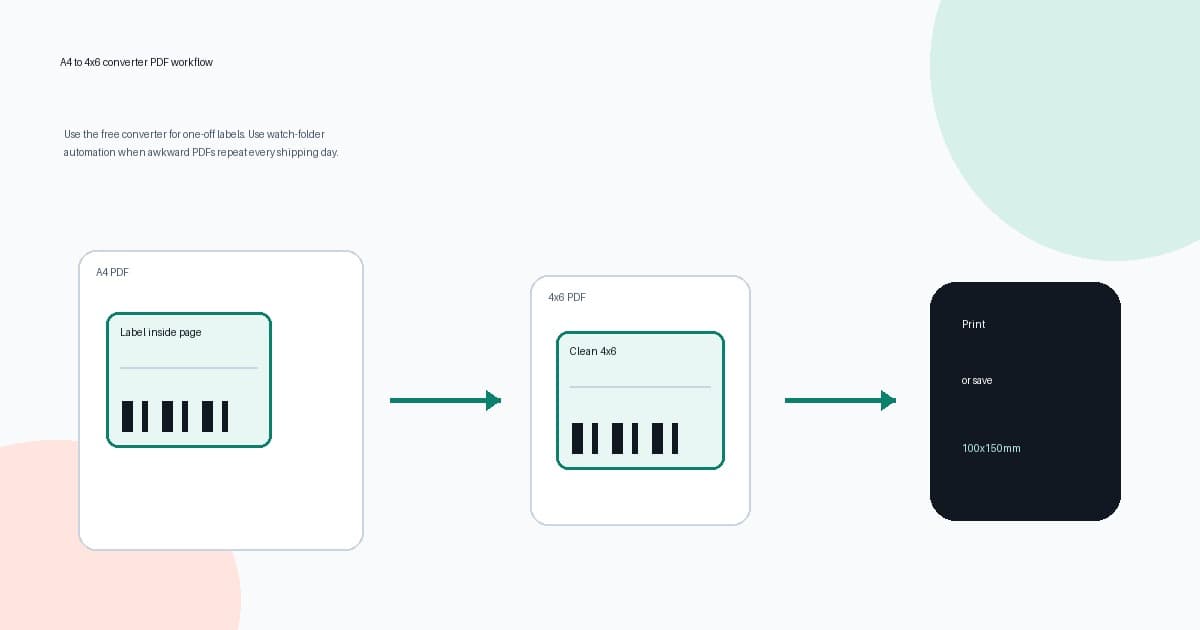
Use the A4 to 4x6 converter for one-off labels, then move repeated shipping-label PDF crops into watch-folder automation.
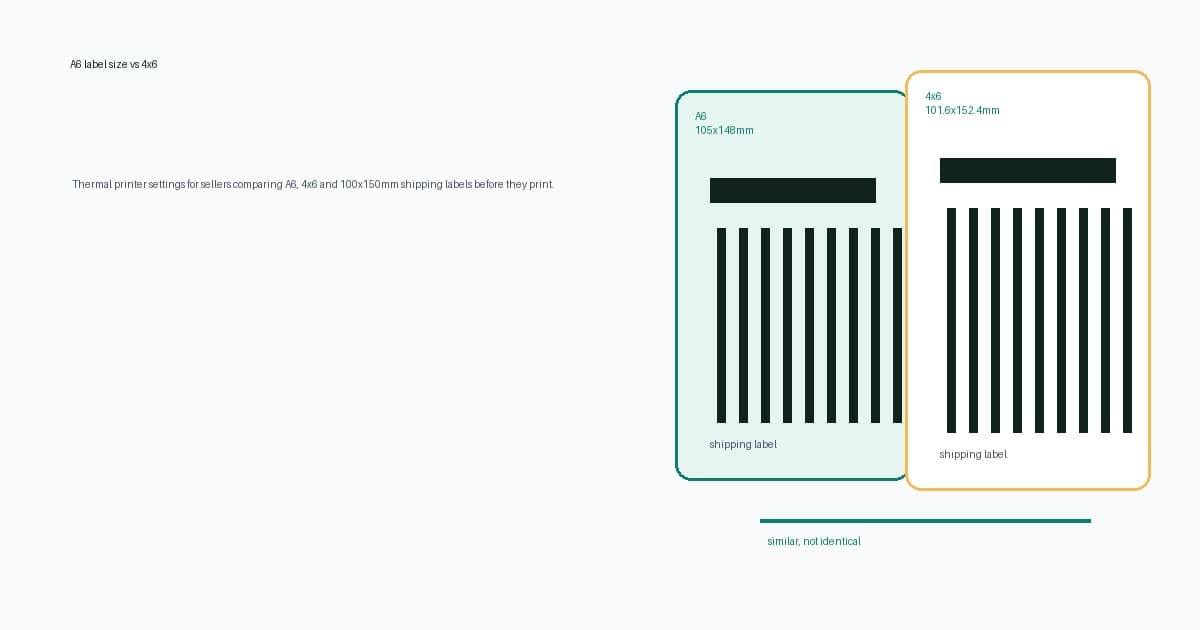
Compare A6, 4x6 and 100x150mm shipping labels, then choose the right PDF, printer preset and print scale before wasting labels.
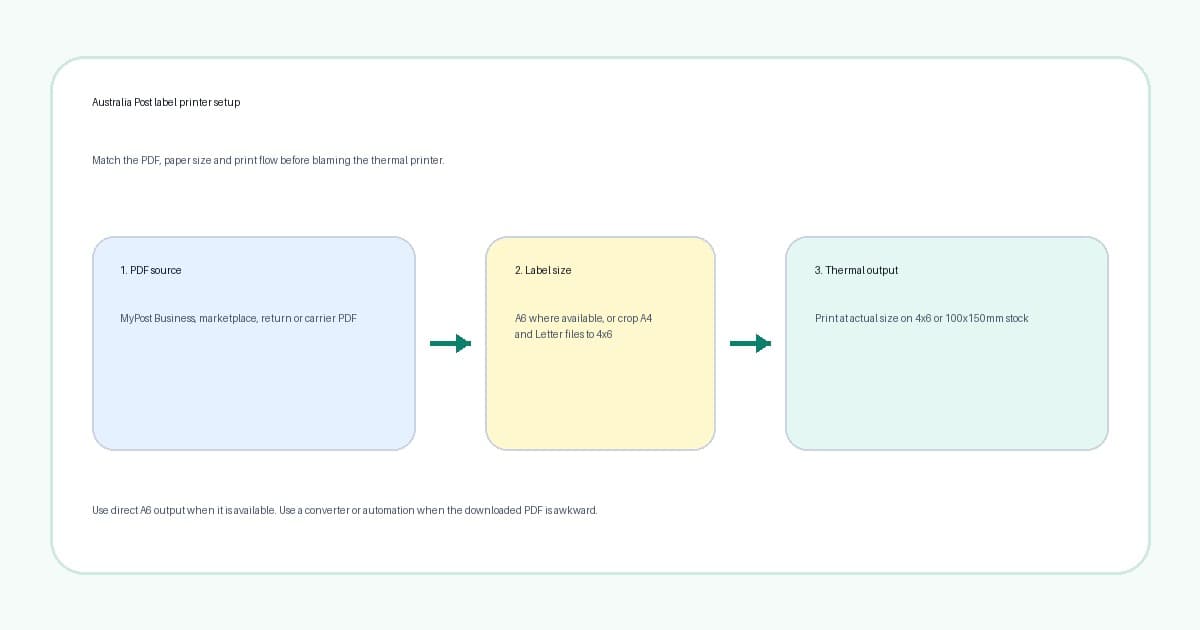
Set up Australia Post label printer workflows with A6, 4x6 and 100x150mm thermal settings without daily PDF fiddling.
Batch print shipping labels without tiny barcodes, A4 PDF traps or wasted 4x6 thermal labels.
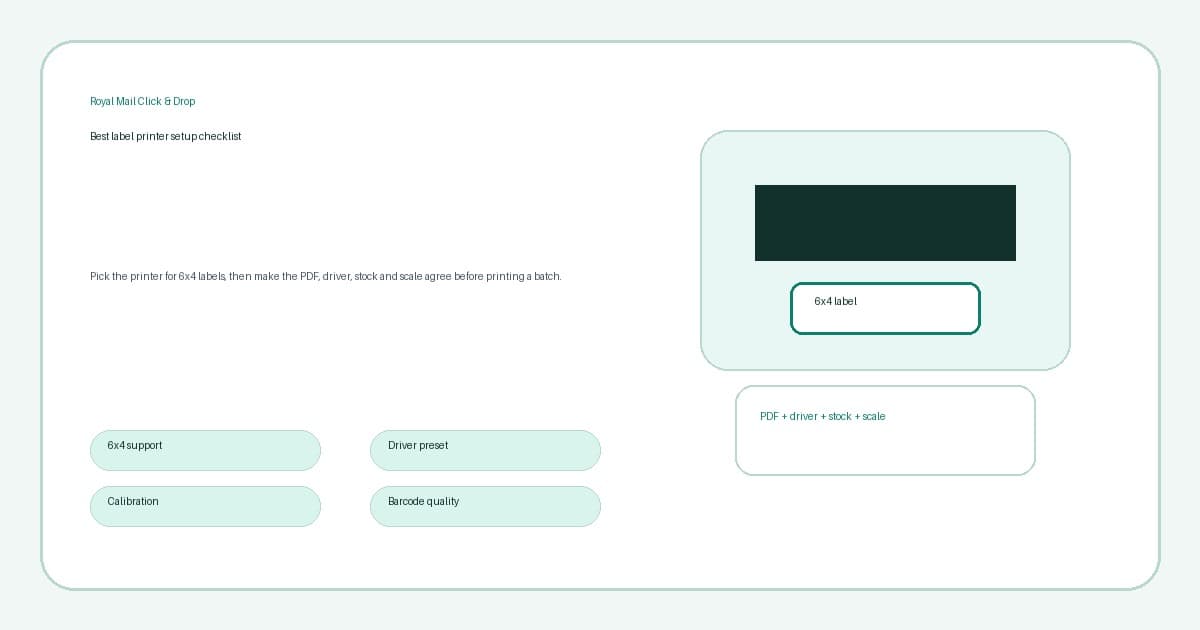
Choose a Royal Mail Click & Drop label printer with 6x4 support, clean PDF settings, calibration and fewer wasted labels.
Neutral Reddit-style buyer checklist for choosing a 4x6 shipping label printer and fixing PDF workflow problems.
Comparing Dymo, Zebra, Brother, and MUNBYN thermal printers for Australia Post shipping labels. Prices, specs, and what actually works with MyPost Business.
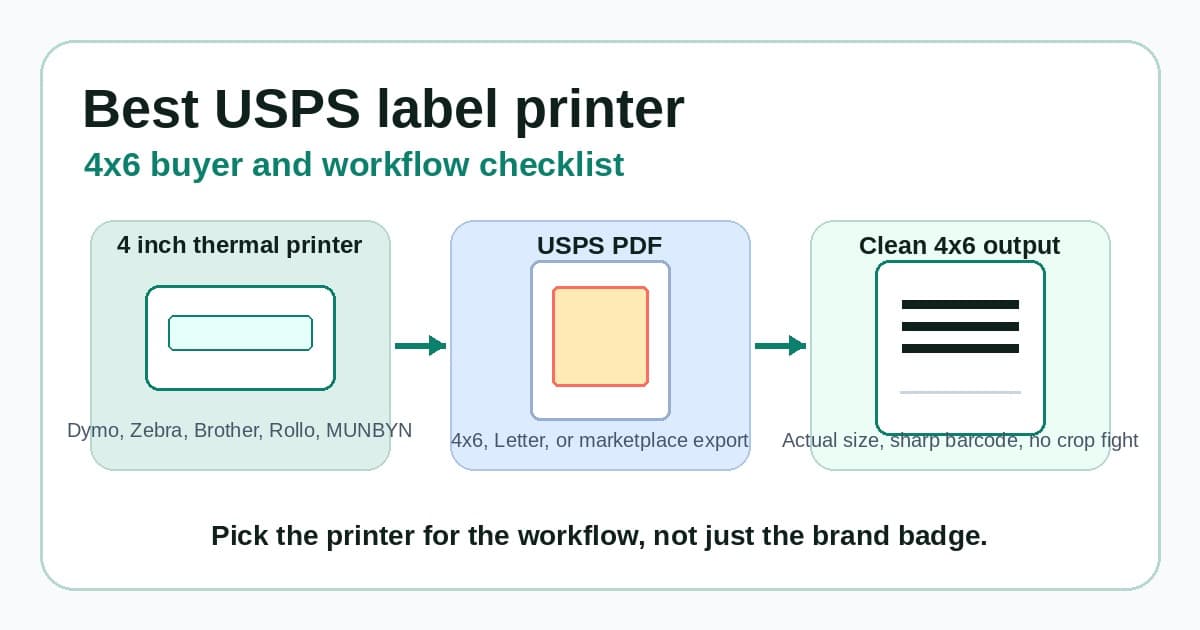
Choose a USPS label printer for 4x6 shipping labels with cleaner PDF checks, scaling, barcode quality and fewer wasted labels.
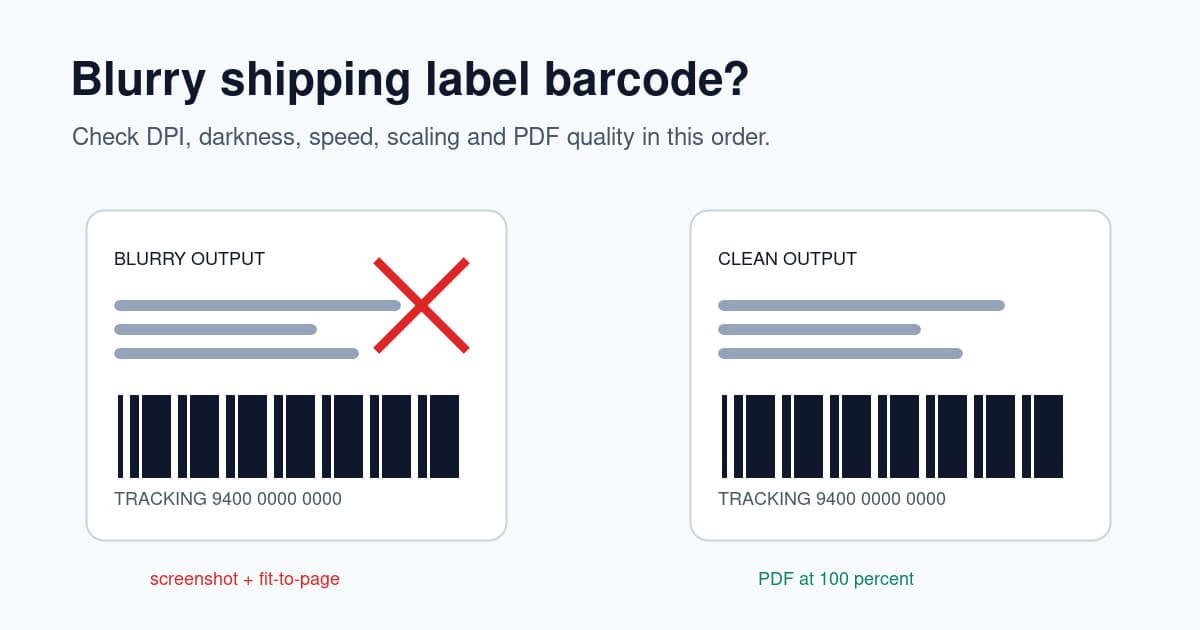
Fix blurry shipping label barcodes with DPI, darkness, speed, scaling, paper size, PDF and print-head checks.

Set up a Brother QL-1100 or QL-1110NWB for MyPost Business labels with sizing, drivers, print settings and fixes.
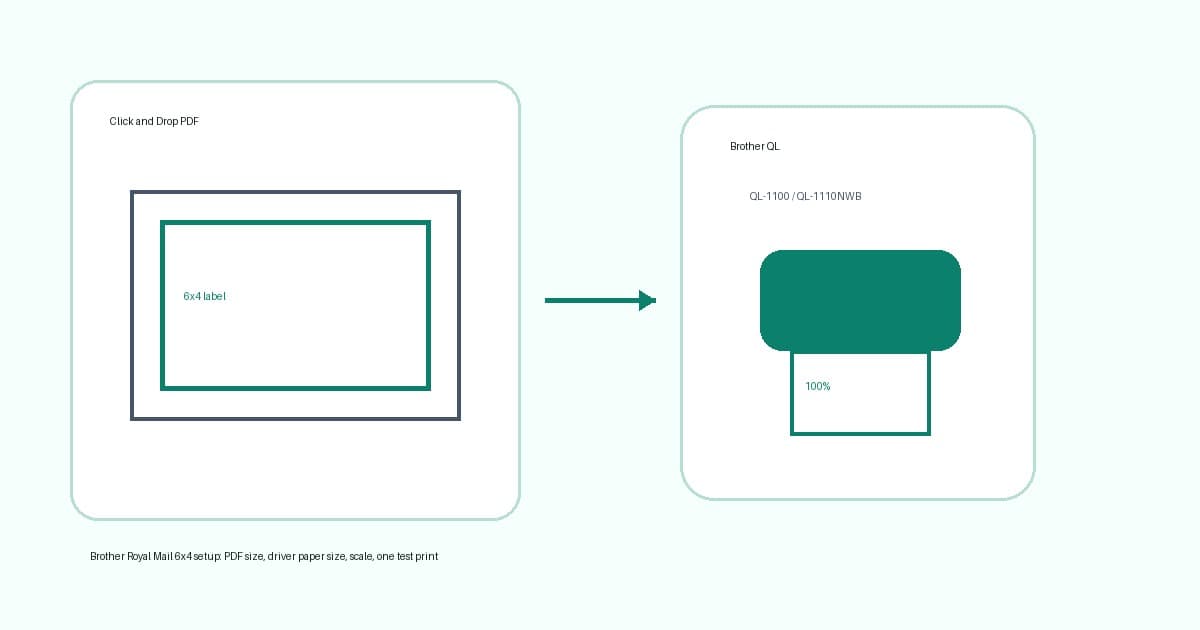
Set up Brother QL-1100 or QL-1110NWB printers for Royal Mail Click and Drop 6x4 labels, PDF scale and crop fixes.
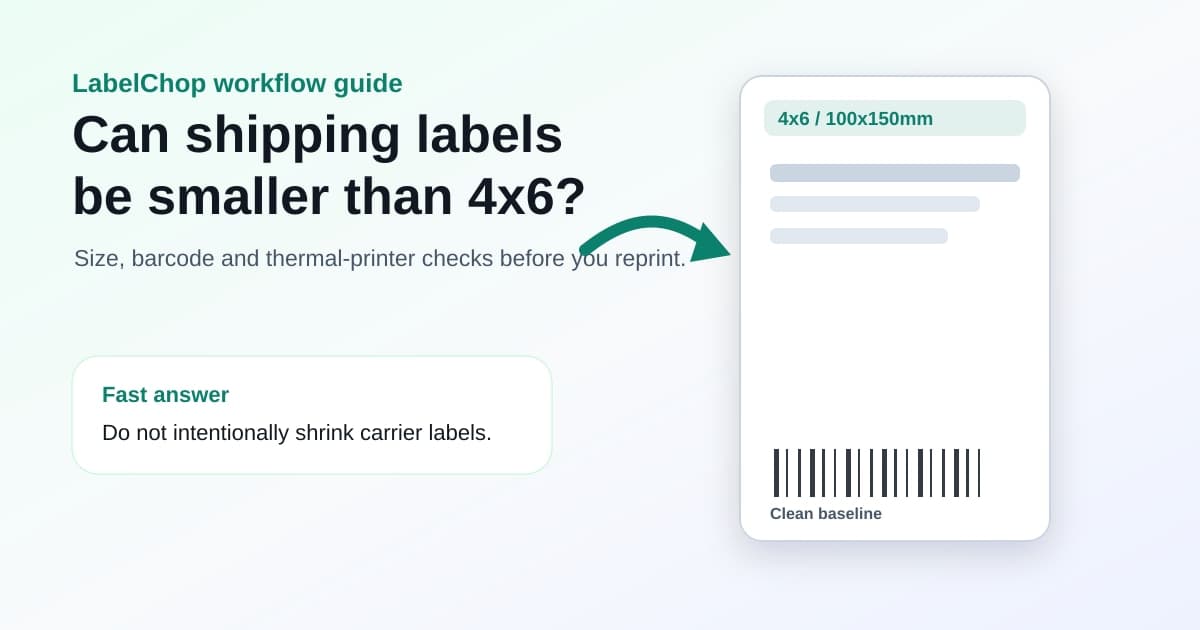
Learn when a smaller shipping label is valid and when a PDF was shrunk by mistake. Check print scale and try the free A4-to-4x6 converter for full-page PDFs.
MyPost Business exports A4 PDFs but your thermal printer needs 4x6. Here's how to crop labels manually and the faster automated way.
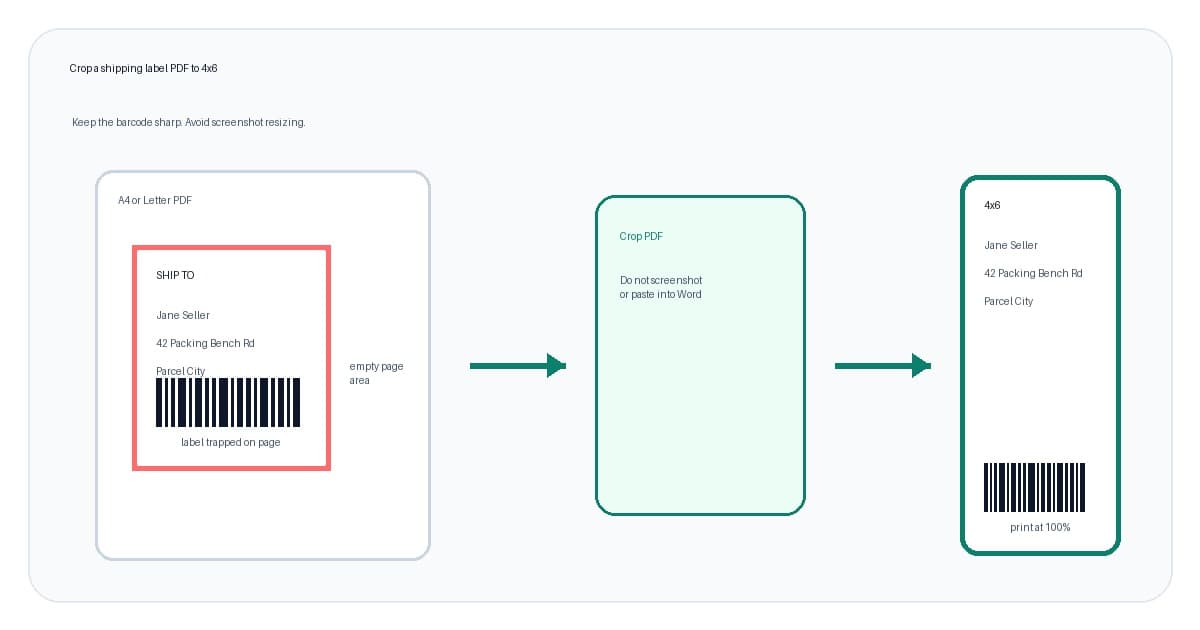
Crop A4 or Letter shipping-label PDFs to clean 4x6 output without blurry screenshots, wrong scale or wasted labels.
Complete Dymo 4XL setup guide for MyPost Business shipping labels. Driver install, paper size config, and fixes for off-centre or blank labels.
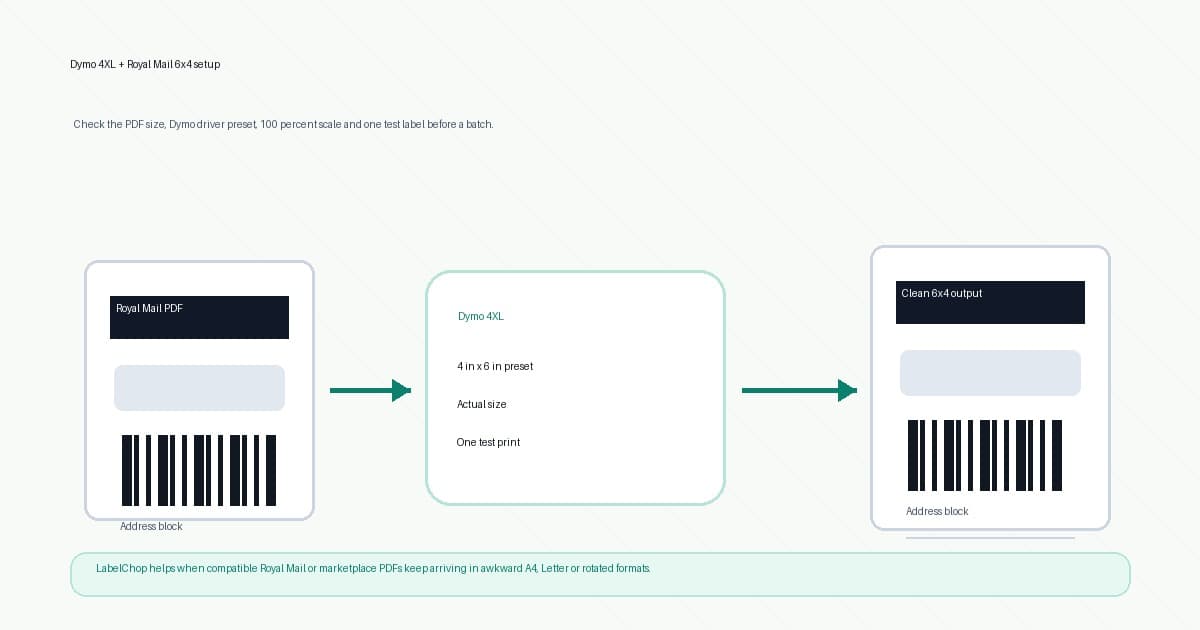
Set up a Dymo 4XL for Royal Mail 6x4 labels with Click and Drop PDF checks, paper size, scaling and fixes.
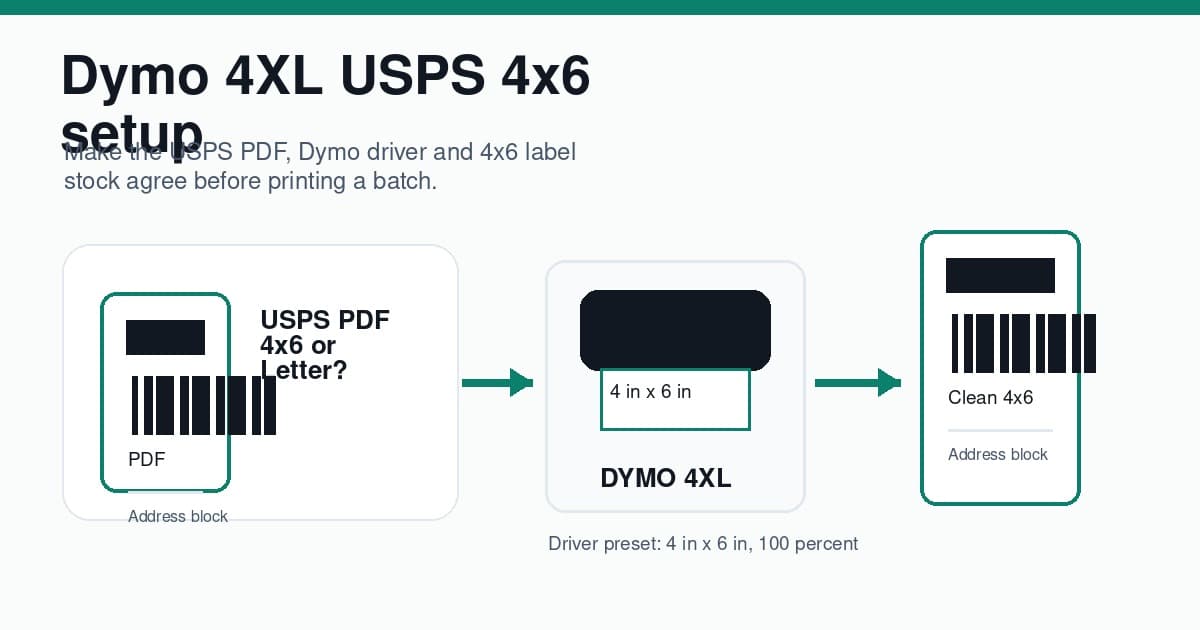
Set up a Dymo 4XL for USPS 4x6 labels with the right driver preset, PDF size, scale and barcode checks.
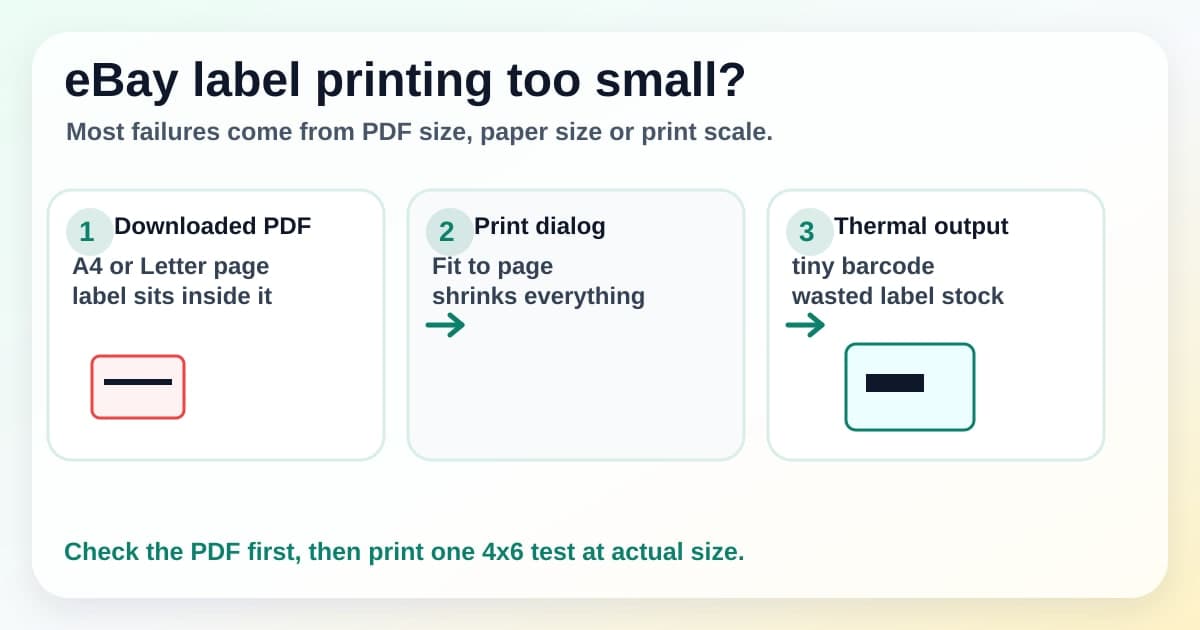
Fix eBay shipping labels printing too small with PDF size, 4x6 paper, browser scale and A4 to thermal label checks.
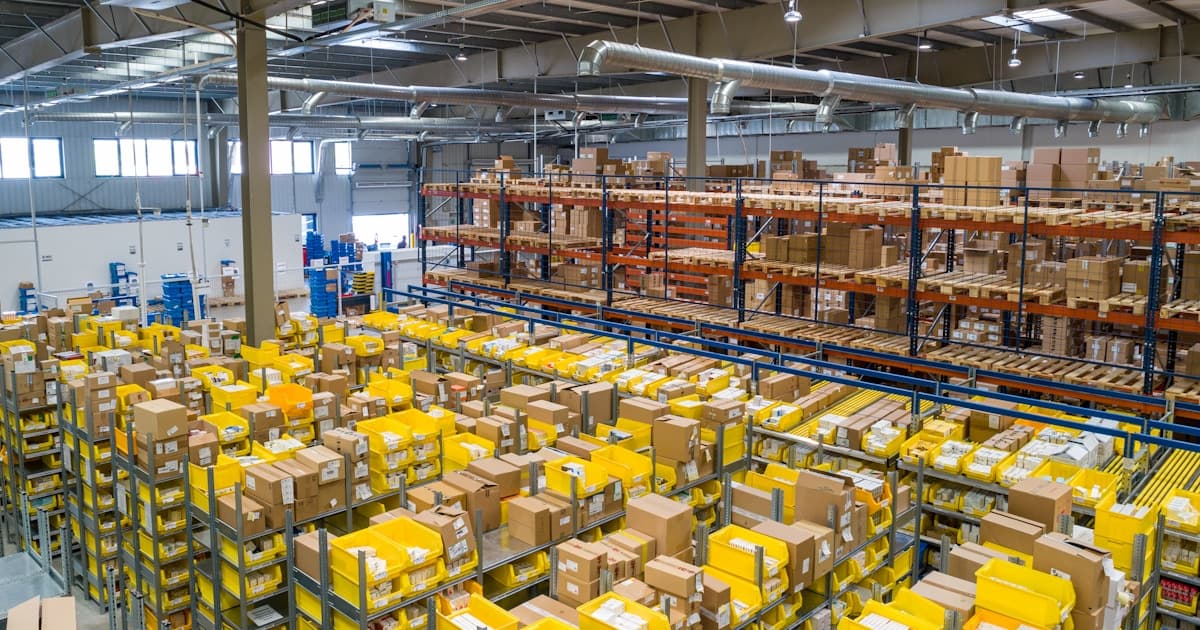
New to eBay shipping in Australia? Learn how to set up MyPost Business, print 4x6 labels, and avoid the mistakes that trip up most sellers.
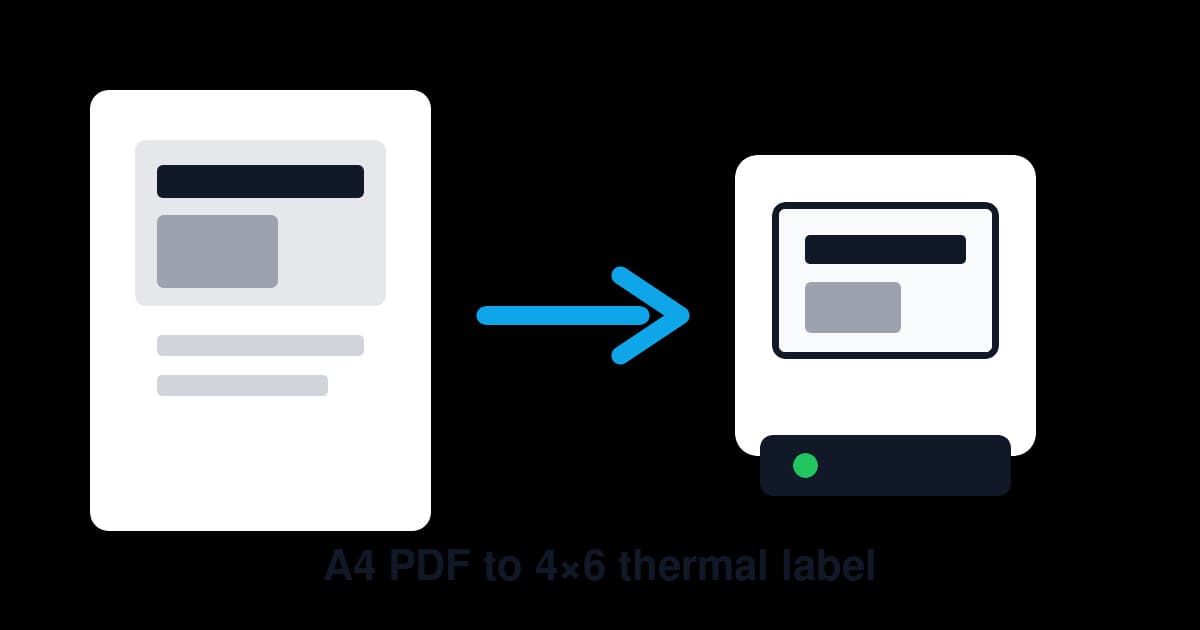
Struggling to print 4x6 shipping labels from A4 PDFs? This step-by-step guide covers manual methods, thermal printer setup, and faster alternatives.
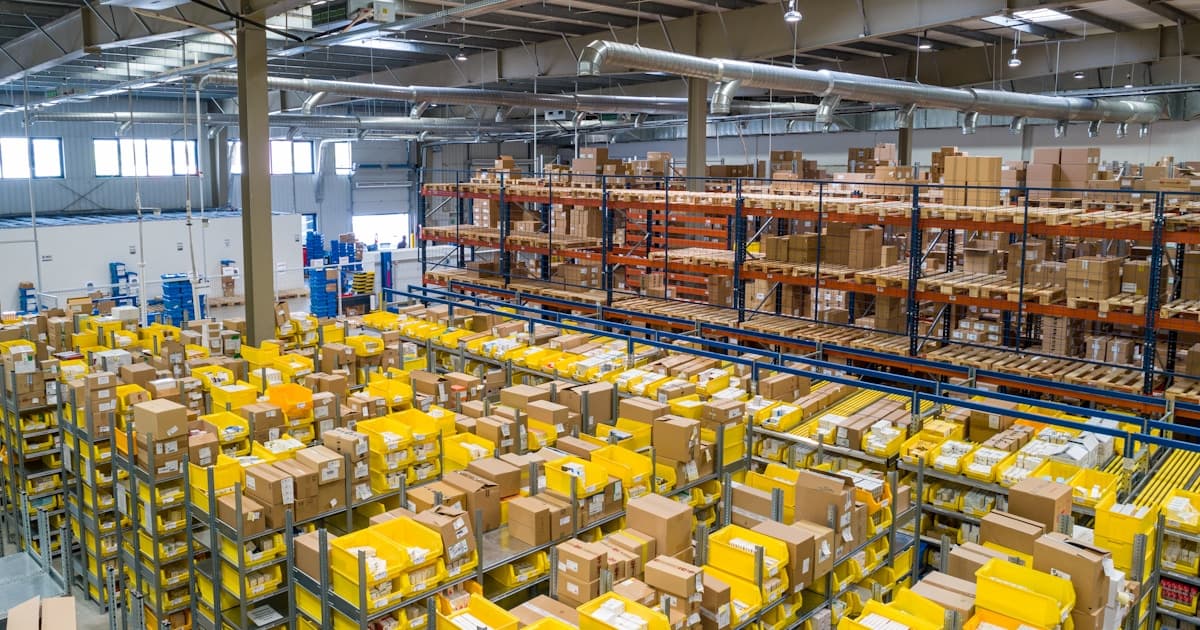
Honest MUNBYN thermal printer Australia guide for MyPost Business, 4x6 labels, Dymo comparisons and seller setup.
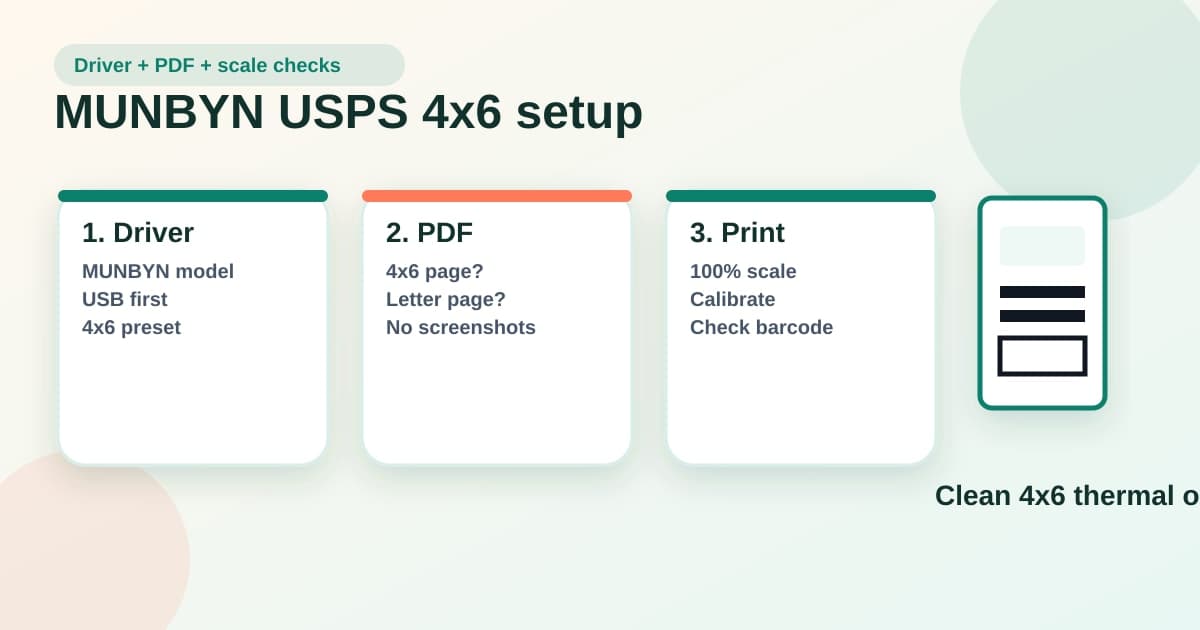
Set up a MUNBYN printer for USPS 4x6 labels with the right driver, PDF size, scale, calibration and barcode checks.
Compare MyPost Business alternatives for Australian sellers, including Sendle, Starshipit, ShipStation and label workflows.

Complete MyPost Business setup guide for eBay and Shopify sellers. Connect your store, import orders, configure your thermal printer, and print 4x6 labels.
Step-by-step guide to printing MyPost Business shipping labels on Dymo, Zebra, and Brother thermal printers. Fix the A4-to-4x6 problem fast.
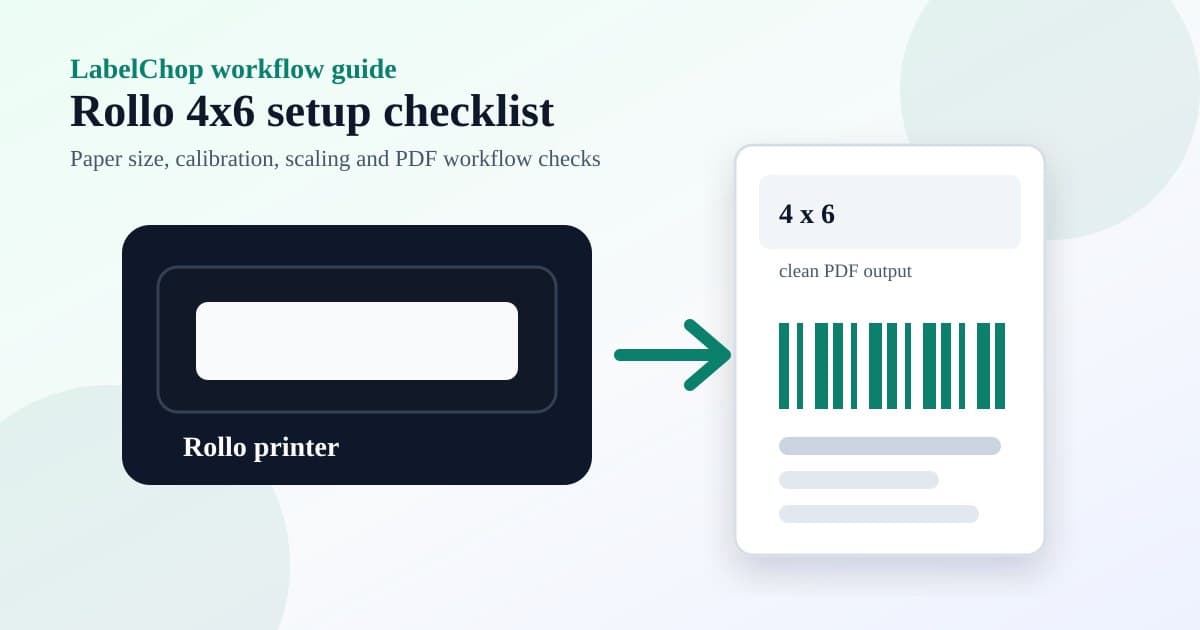
Set up a Rollo shipping label printer for 4x6 labels, 100 percent scaling, calibration and awkward PDF workflows.
![Cover Image for Royal Mail label printer setup: 7 Click & Drop fixes [2026]](/_next/image?url=%2Fassets%2Fimages%2Fposts%2Froyal-mail-label-printer-setup-hero.jpg&w=3840&q=75)
Fix Royal Mail label printer setup problems: 6x4 Click & Drop PDFs, tiny labels, cut-off barcodes and thermal settings.
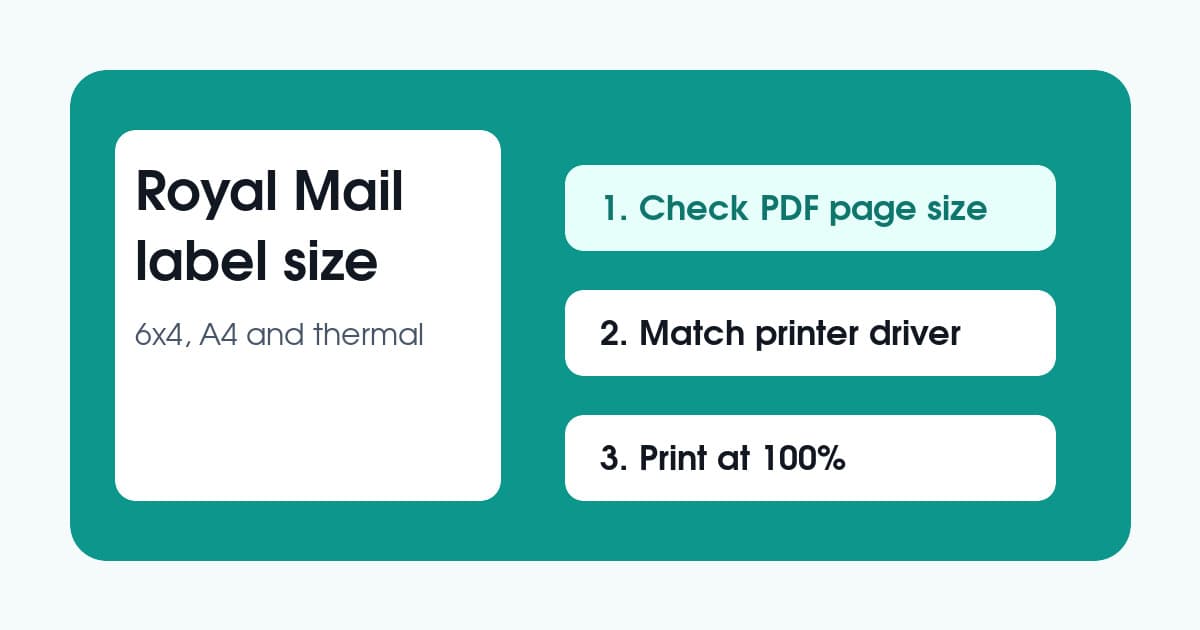
Royal Mail label size guide for 6x4, A4 and thermal printer settings, with fixes for tiny, cut off or badly scaled PDFs.
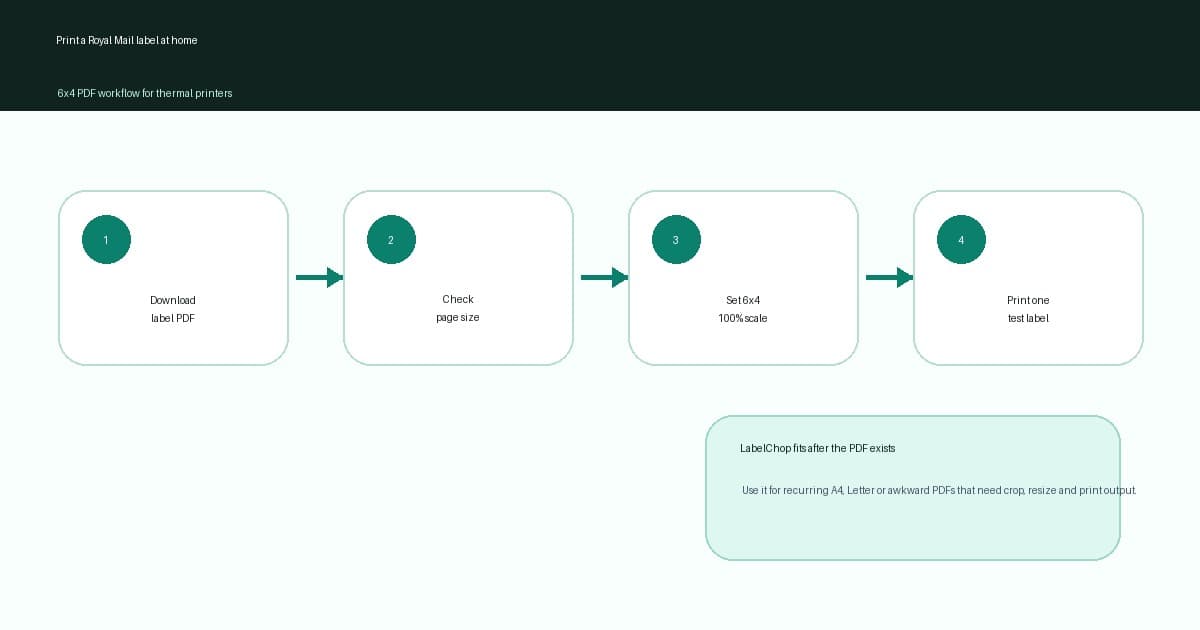
Print Royal Mail labels at home on a 6x4 thermal printer with PDF checks, 100 percent scale and fewer wasted labels.
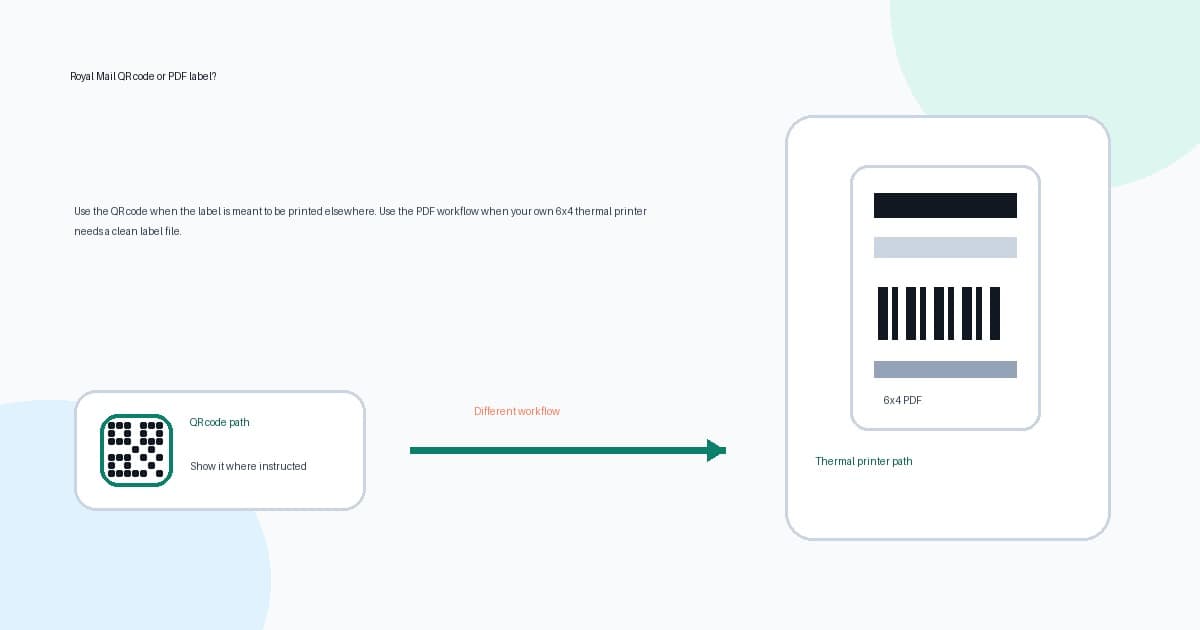
Learn when a Royal Mail QR code means you do not need a printer, when you need a PDF label, and how to fix 6x4 thermal printing.
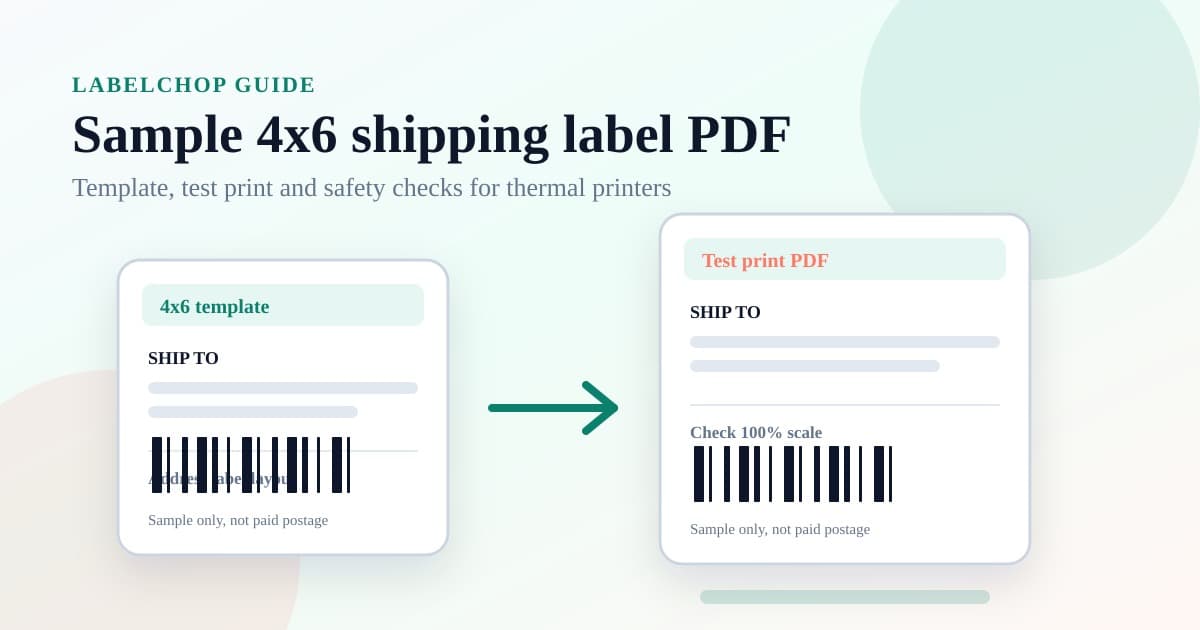
Use a sample 4x6 shipping label PDF safely, test thermal-printer scale and know when you need a real carrier label.
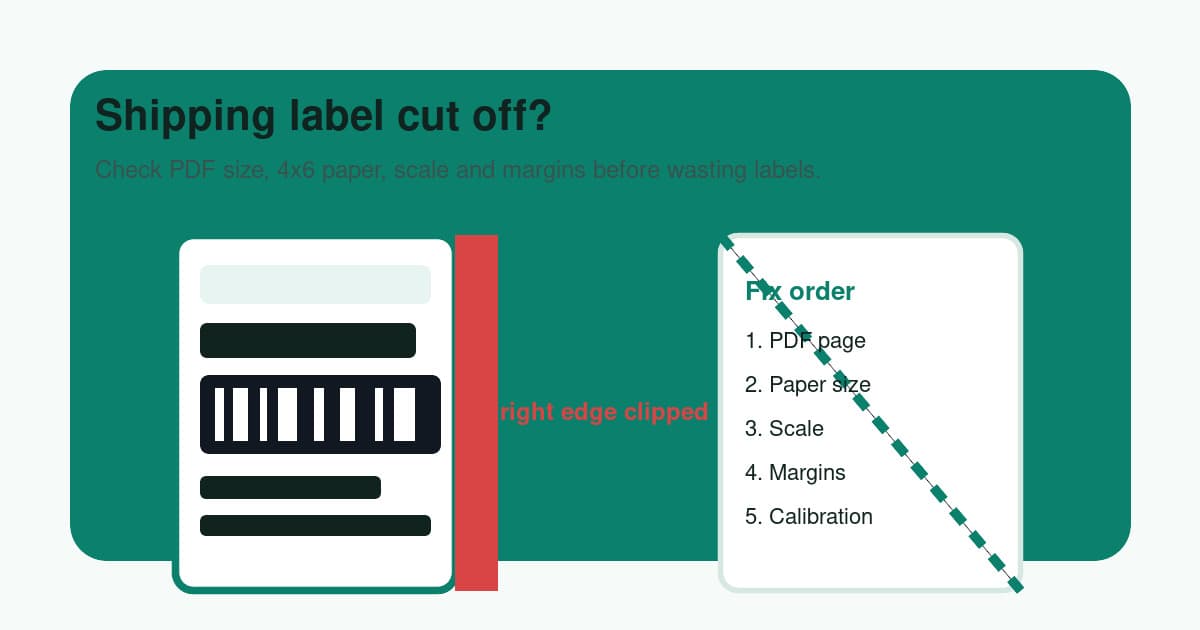
Barcode or address cut off? Check 4x6 PDF size, scale and margins. Try the free A4-to-4x6 converter if the label sits inside a full-page PDF.
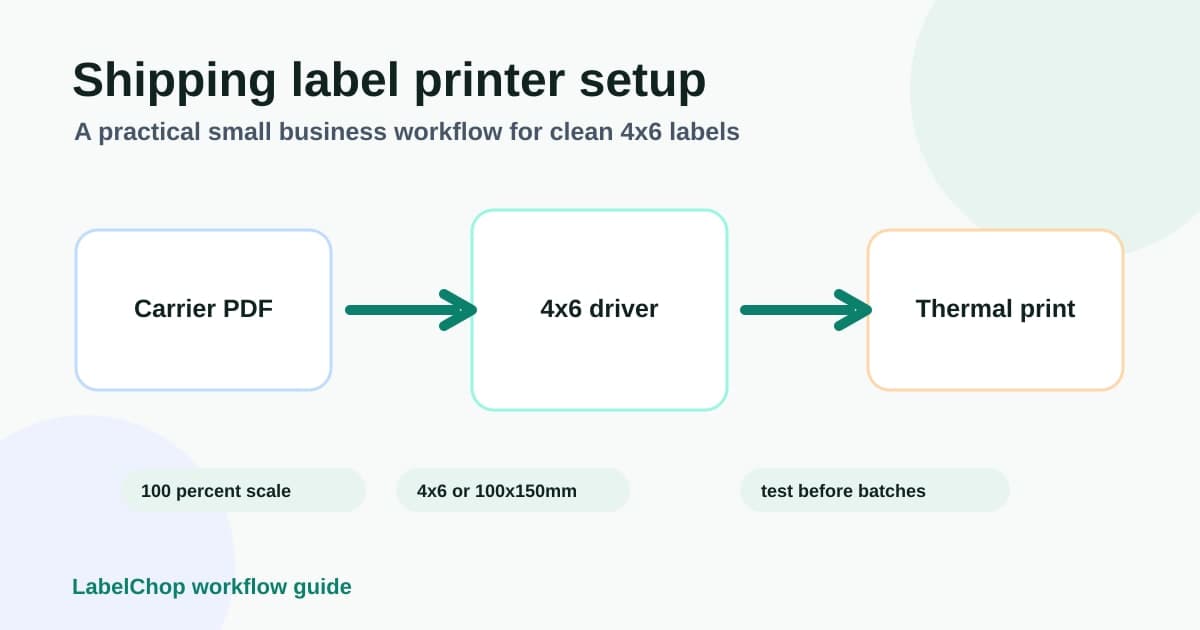
Set up a shipping label printer for 4x6 labels, PDF scaling, calibration and small business batch printing.
Fix off-centre, blank, cropped and blurry shipping labels on MyPost Business, eBay and 4x6 thermal printers.
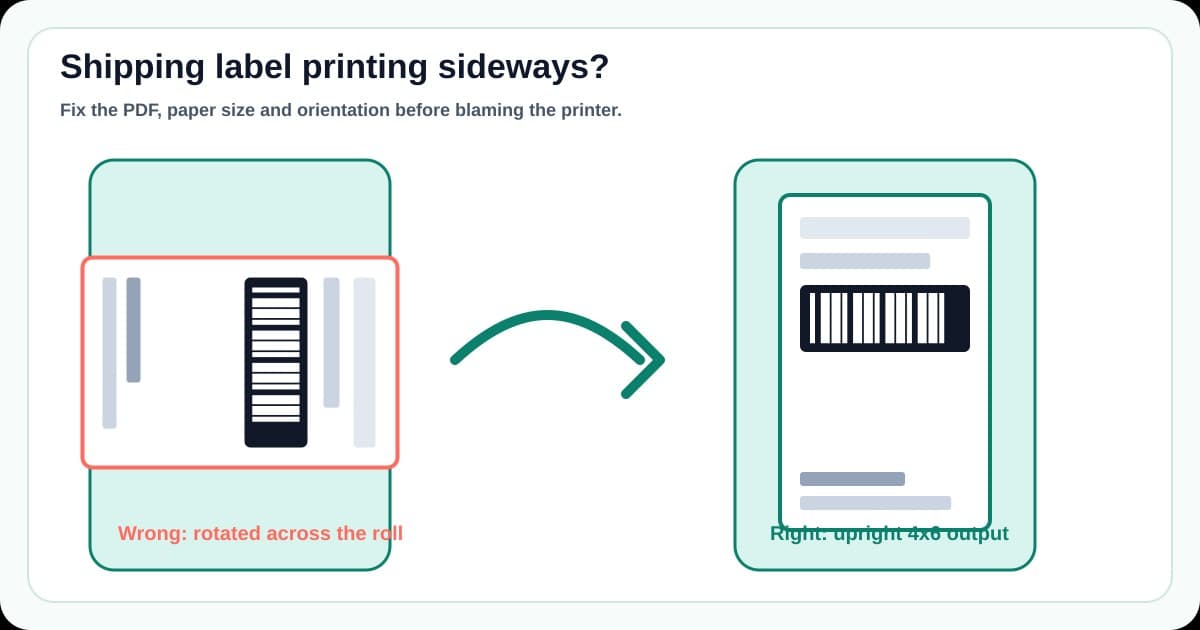
Fix shipping labels printing sideways with 4x6 orientation, driver paper size, PDF rotation and thermal printer checks.
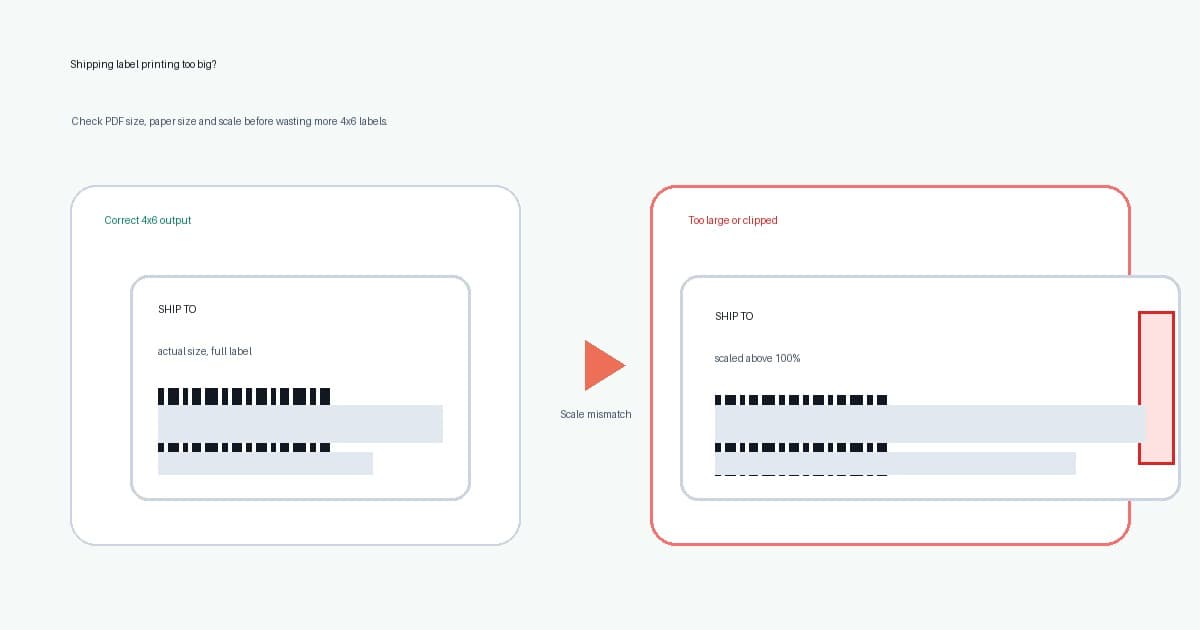
Shipping label printing too big? Check 4x6 scale and paper size, then use the free A4-to-4x6 PDF converter when the source page needs cropping.
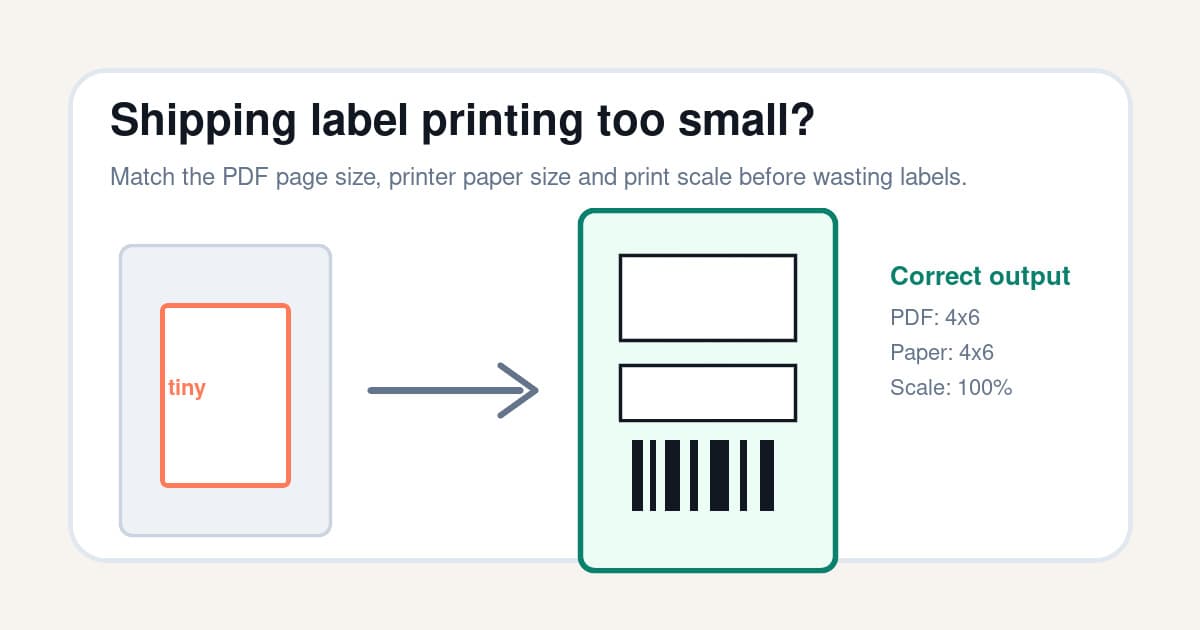
Fix shipping labels printing too small with PDF page size, 4x6 printer settings, scale and crop checks.
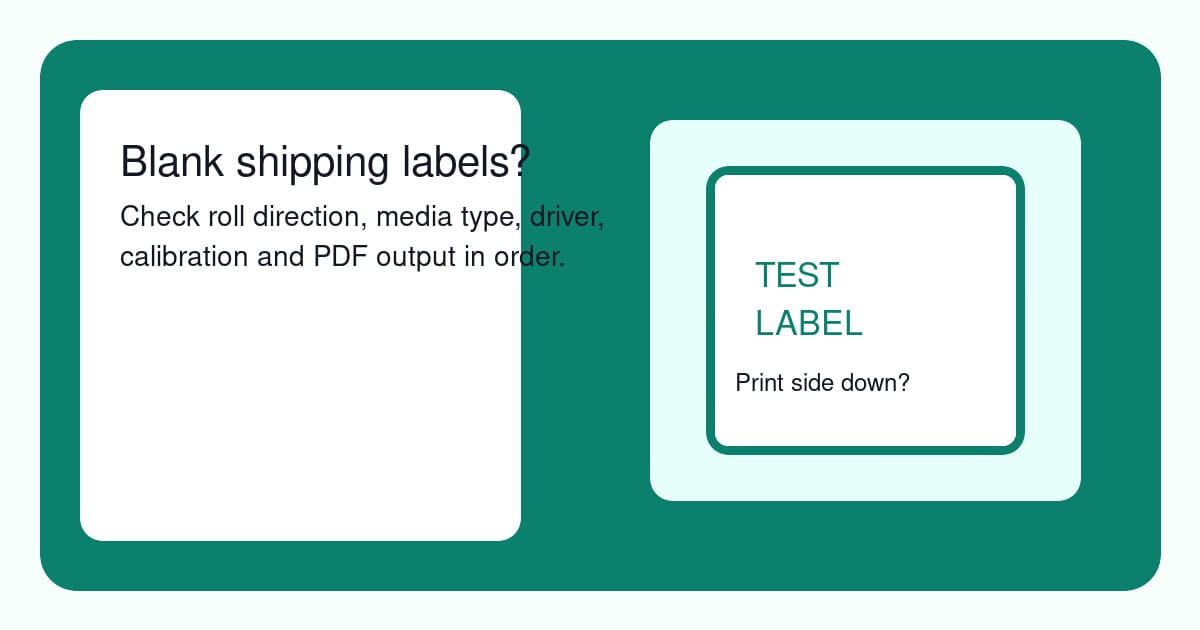
Fix thermal printers printing blank shipping labels with roll direction, media type, driver, calibration and PDF checks.
Cost breakdown and comparison of thermal vs inkjet printers for Australian shipping labels. Find out when it makes sense to upgrade from your inkjet.
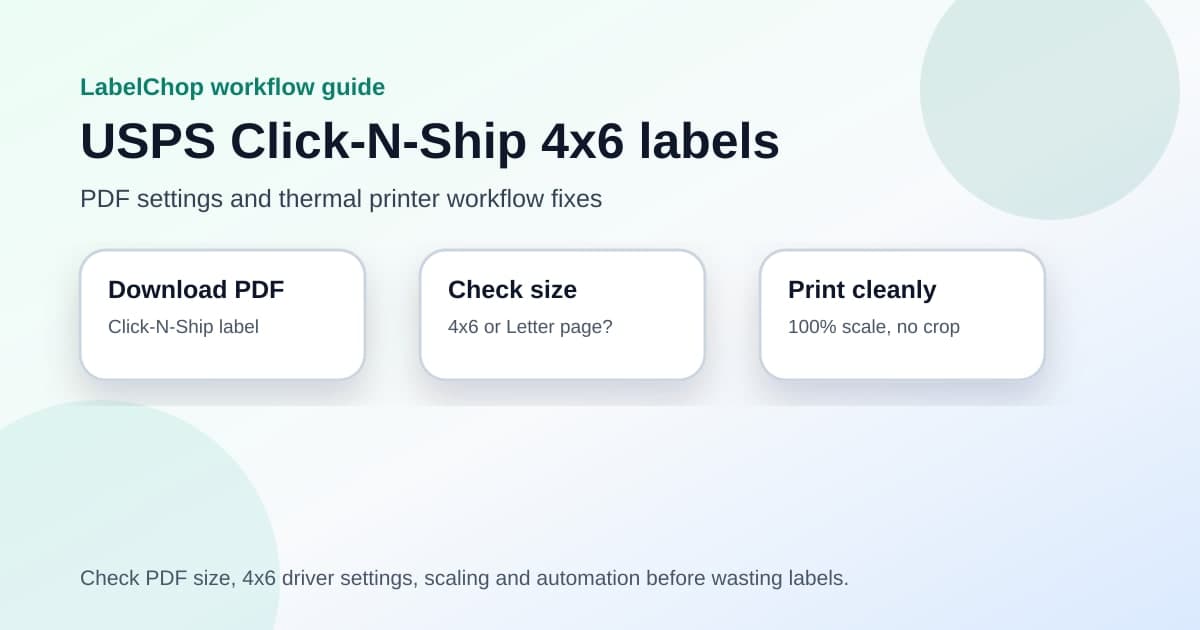
Set up USPS Click-N-Ship PDFs for 4x6 thermal labels with the right size, scaling, driver settings and workflow fixes.
Set up a USPS label printer for 4x6 shipping labels, with fixes for PDF size, scaling, margins and thermal printer setup.
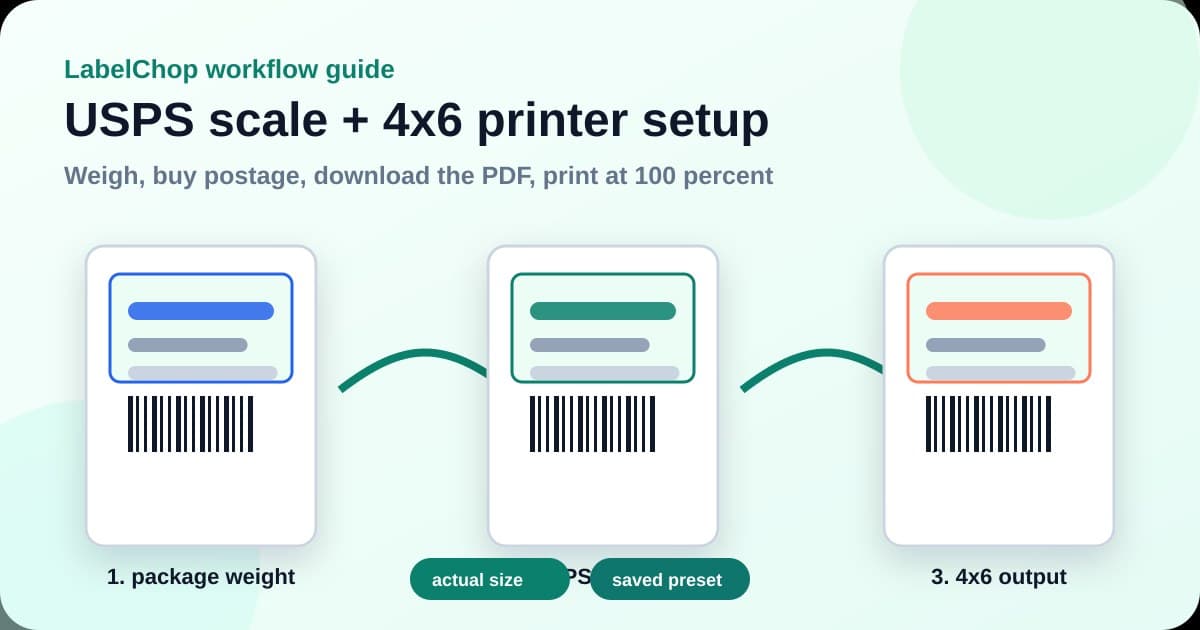
Set up a USPS scale and 4x6 label printer workflow with clean PDF checks, actual-size printing and fewer wasted labels.
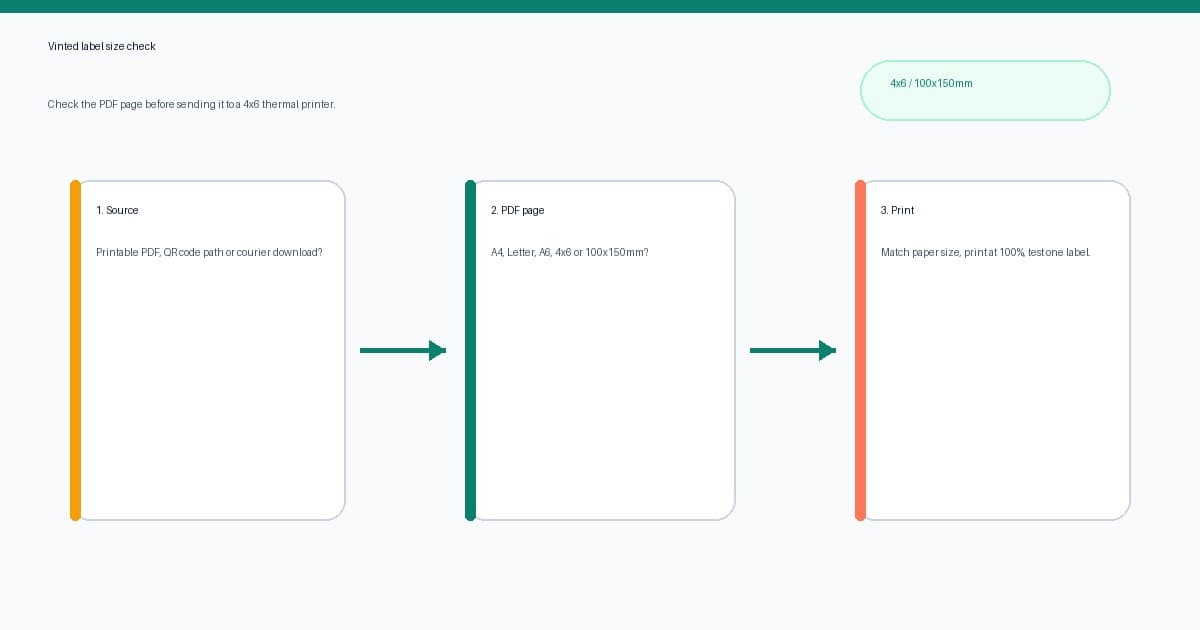
Fix Vinted shipping label size problems with PDF checks, 4x6 printer settings, crop steps and thermal label workflow tips.
Set up automatic label printing with a watch folder. Labels print the moment they hit your Downloads folder — no clicks, no print dialogs, no drama.
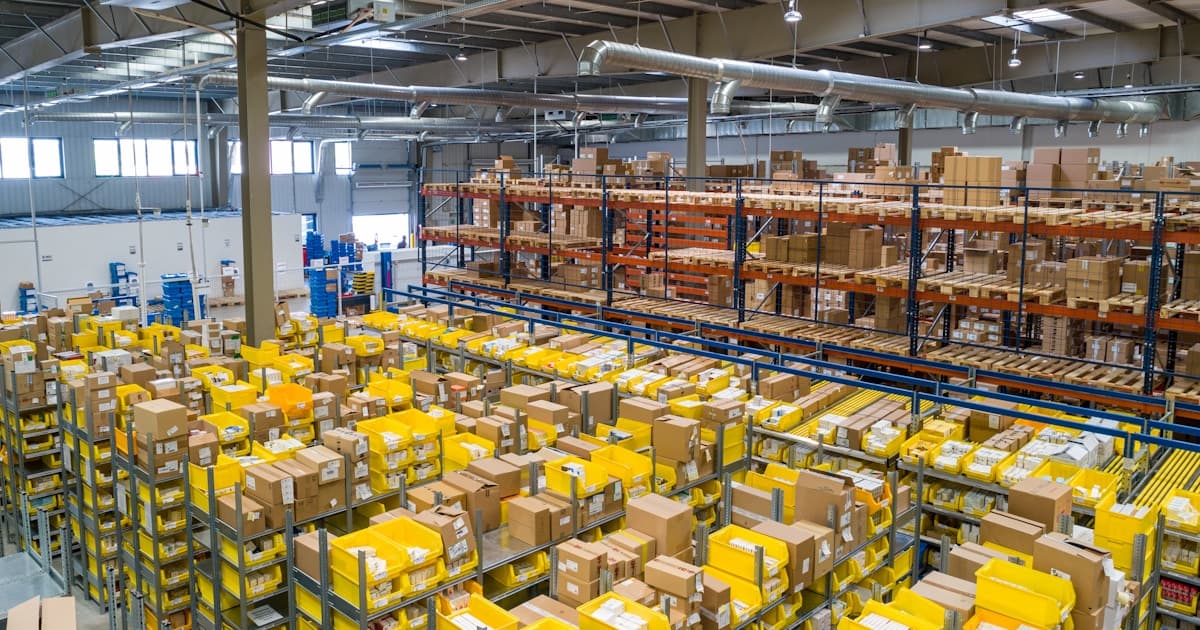
MyPost Business defaults to A4 PDF labels, not thermal-sized ones. Here's why that happens and exactly how to fix it for your printer.
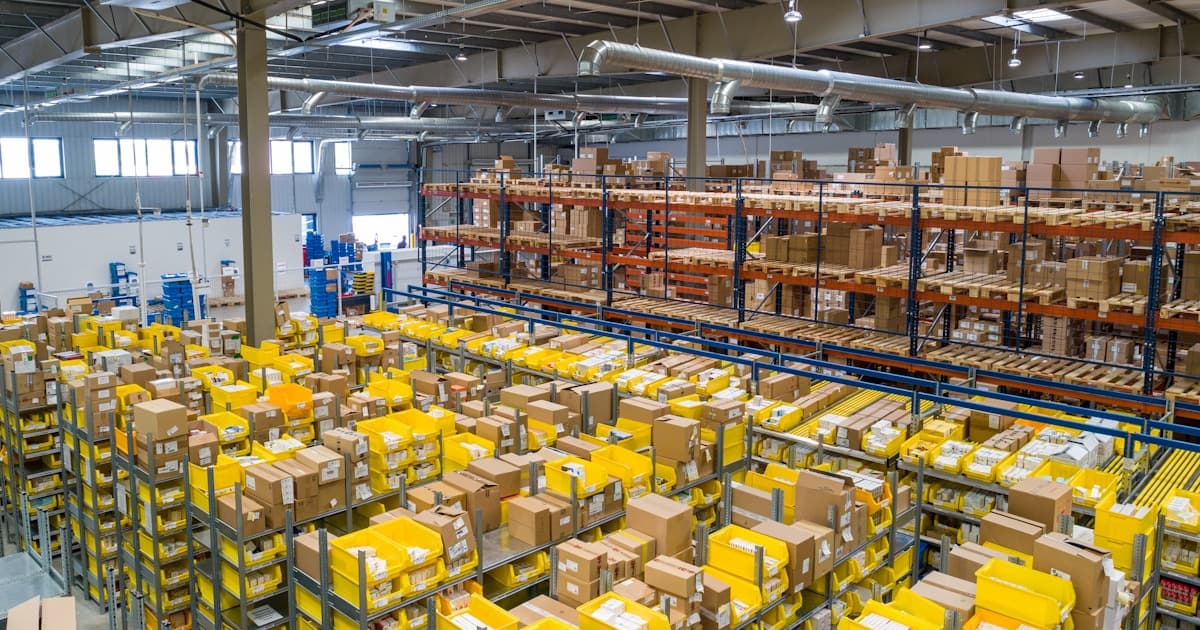
Set up a Zebra printer for Australia Post labels with 100x150mm sizing, MyPost Business settings, and common fixes.
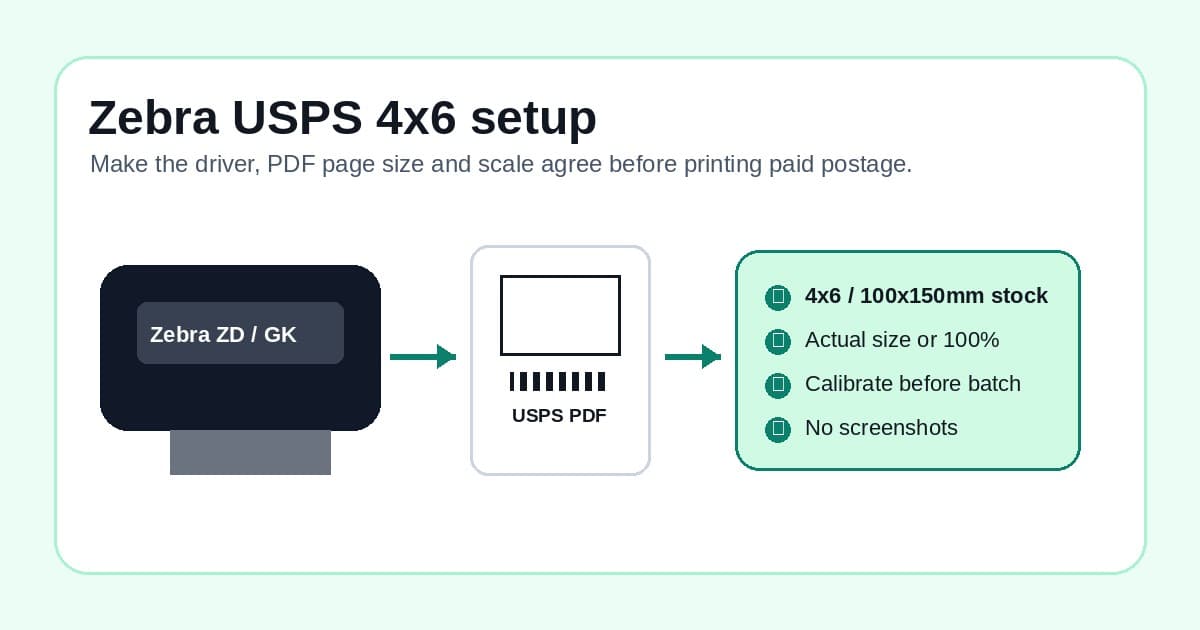
Set up Zebra ZD421, ZD220 or GK420d printers for USPS 4x6 labels with clean PDF size, scale and calibration checks.